Which CCTV Camera Passwords Are Most Vulnerable to Hacking?
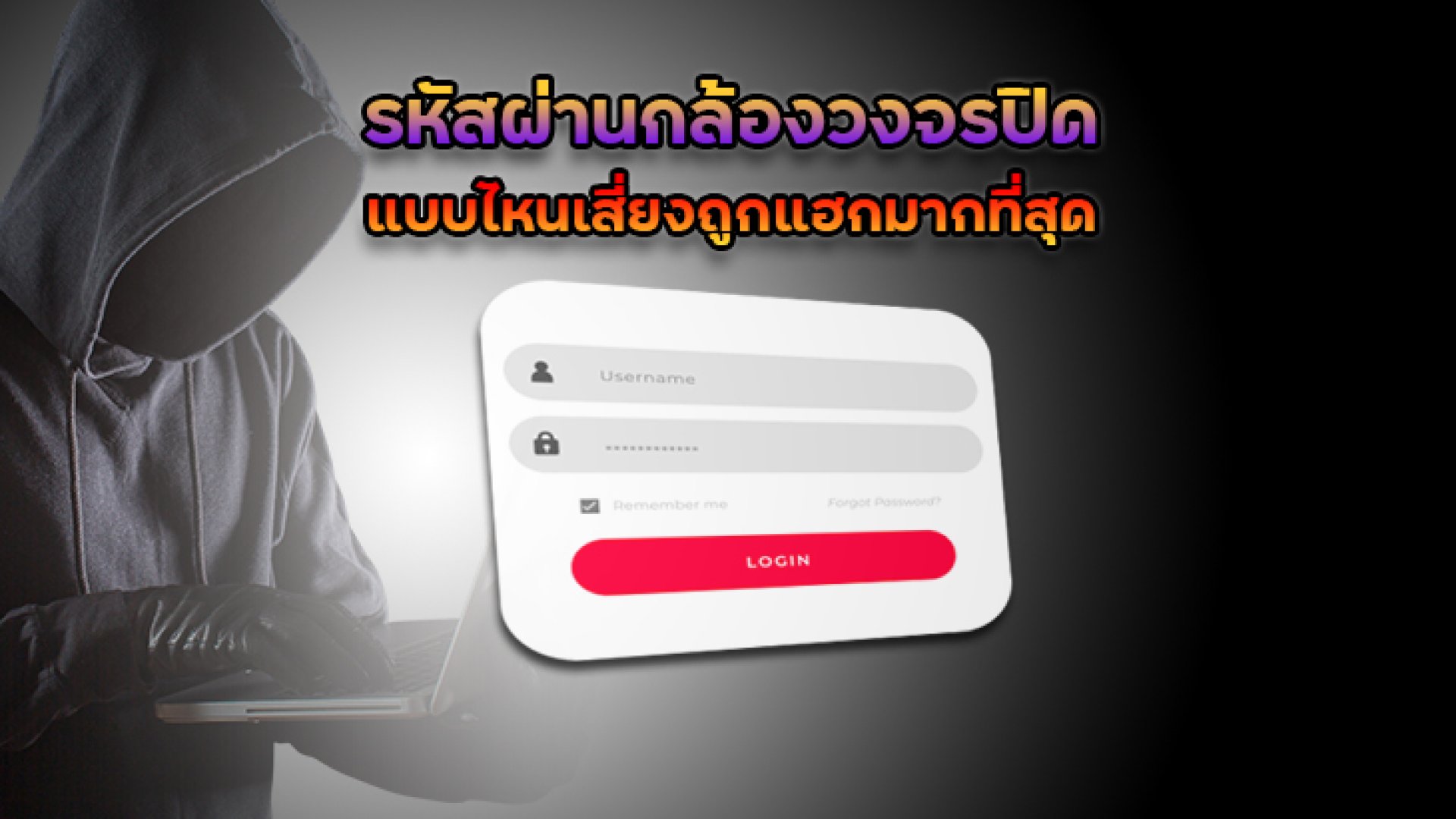
As internet-connected surveillance systems become increasingly common in homes, offices, and commercial properties, cybersecurity has become just as important as video quality and storage capacity. One of the most overlooked security measures is the CCTV camera password.
Many cases of unauthorized camera access, privacy breaches, and leaked surveillance footage occur not because of sophisticated hacking techniques, but because users choose weak passwords or fail to change the default credentials provided by the manufacturer.
In this article, you'll learn which CCTV camera passwords are most vulnerable to hacking, why they put your security at risk, and how to create a strong password that helps protect your surveillance system in 2026.
Why Do Hackers Target CCTV Camera Passwords?
Modern IP cameras and NVR systems are often connected to the internet through cloud services or remote access applications. While these features provide convenience, they also create potential entry points for cybercriminals.
If a hacker gains access to your CCTV account, they may be able to:
- View live camera feeds without permission
- Access recorded video footage
- Delete or modify recordings
- Change camera settings
- Add unauthorized users to the system
- Use the device as part of a botnet attack
- Compromise personal or business privacy
The Most Vulnerable CCTV Camera Passwords
1. Default Factory Passwords
The biggest security risk is continuing to use the default username and password that come with the camera. Many users install their devices and never change the factory credentials.
Common examples include:
- admin / admin
- admin / 123456
- admin / password
- root / root
These default login combinations are widely available online and are often the first credentials attackers try.
2. Sequential Number Passwords
Simple number patterns remain among the easiest passwords to crack.
- 123456
- 12345678
- 987654321
- 111111
- 000000
Such passwords are commonly included in brute-force and dictionary attack databases used by hackers.
3. Common Words Like "Password" or "Admin"
Many users believe adding a few numbers to a common word is enough. Unfortunately, these passwords remain highly predictable.
- password
- password123
- admin123
- administrator
- qwerty
Attackers routinely test these passwords when attempting unauthorized access.
4. Personal Information-Based Passwords
Using personal information makes passwords easier to remember but significantly less secure.
Examples include:
- Birth dates
- Phone numbers
- Vehicle registration numbers
- Company names
- Children's names
- Pet names
Much of this information can be found on social media profiles, business websites, or public records.
5. Reusing the Same Password Across Multiple Accounts
Many users use the same password for email accounts, social media, Wi-Fi networks, and CCTV systems. If one service experiences a data breach, attackers often attempt the same credentials on other platforms, including surveillance devices.
What Makes a Secure CCTV Camera Password?
A strong password should include the following characteristics:
- At least 1216 characters long
- A combination of uppercase and lowercase letters
- Numbers
- Special characters such as ! @ # $ %
- No personal information
- No common dictionary words
Examples of stronger passwords:
- T9!mP#82vL@6
- Cam$Safe2026!Net
- R7@qZ91!MxLp
- HomeCCTV#2026Secure
Weak vs Strong CCTV Password Examples
| Password Example | Security Level | Risk |
|---|---|---|
| 123456 | Very Low | Can be guessed almost instantly |
| admin123 | Low | Commonly used in attack databases |
| 5551234567 | Low | Based on personal information |
| MyHouse2026 | Medium | May be guessed if personal details are known |
| Cam#T9x!72LpQ | High | Difficult to predict or crack |
Additional Ways to Protect Your CCTV System
Enable Two-Factor Authentication (2FA)
If your camera manufacturer supports two-factor authentication, enable it immediately. This adds an extra layer of protection beyond your password.
Keep Firmware Updated
Manufacturers regularly release firmware updates to patch security vulnerabilities. Keeping your cameras updated is essential for long-term protection.
Disable Unnecessary Services and Ports
Closing unused network services reduces the attack surface and minimizes exposure to internet-based threats.
Separate CCTV Devices from Critical Networks
Businesses should place surveillance systems on a dedicated VLAN or network segment to prevent attackers from moving laterally across the network.
Change Passwords Regularly
Security professionals recommend updating passwords every 36 months, particularly in business environments with multiple administrators.
Warning Signs That Your CCTV Account May Have Been Compromised
- Unknown login notifications
- Unexpected camera movements
- Settings changed without authorization
- New user accounts appearing in the system
- Missing or deleted recordings
- Unusual network activity
If you notice any of these signs, change your password immediately, review access logs, update firmware, and remove any unauthorized accounts.
Conclusion
The most vulnerable CCTV camera passwords are factory-default credentials, simple number sequences, common words, personal information, and reused passwords. These weak passwords can allow attackers to gain access to surveillance systems within seconds.
Creating a strong, unique password combined with two-factor authentication, firmware updates, and proper network security practices significantly reduces the risk of unauthorized access. Whether you're protecting a home, office, or commercial property, password security remains one of the most important aspects of CCTV cybersecurity.
Frequently Asked Questions (FAQ)
How long should a CCTV camera password be?
A secure CCTV password should be at least 1216 characters long and include uppercase letters, lowercase letters, numbers, and special characters.
Is it safe to keep the default CCTV password?
No. Default passwords are publicly known and are often the first credentials attackers attempt when targeting surveillance devices.
How often should I change my CCTV password?
Home users should consider changing passwords every six months, while businesses should update them every three months or whenever administrator access changes.
What should I do if I forget my CCTV password?
Contact the manufacturer or installer for password reset assistance and create a new, unique password after regaining access.
Do I still need a strong password if I enable 2FA?
Yes. Two-factor authentication provides additional protection, but a strong password remains your first line of defense against unauthorized access.
References
- OWASP Password Security Guidelines
- NIST Digital Identity Guidelines (SP 800-63B)
- CISA Securing Internet of Things (IoT) Devices
- UK National Cyber Security Centre (NCSC) Password Guidance
- OWASP Internet of Things Security Project
- ENISA Guidelines for Securing IoT Devices