Best 360-Degree Security Camera: Check the Real Coverage Before Buying
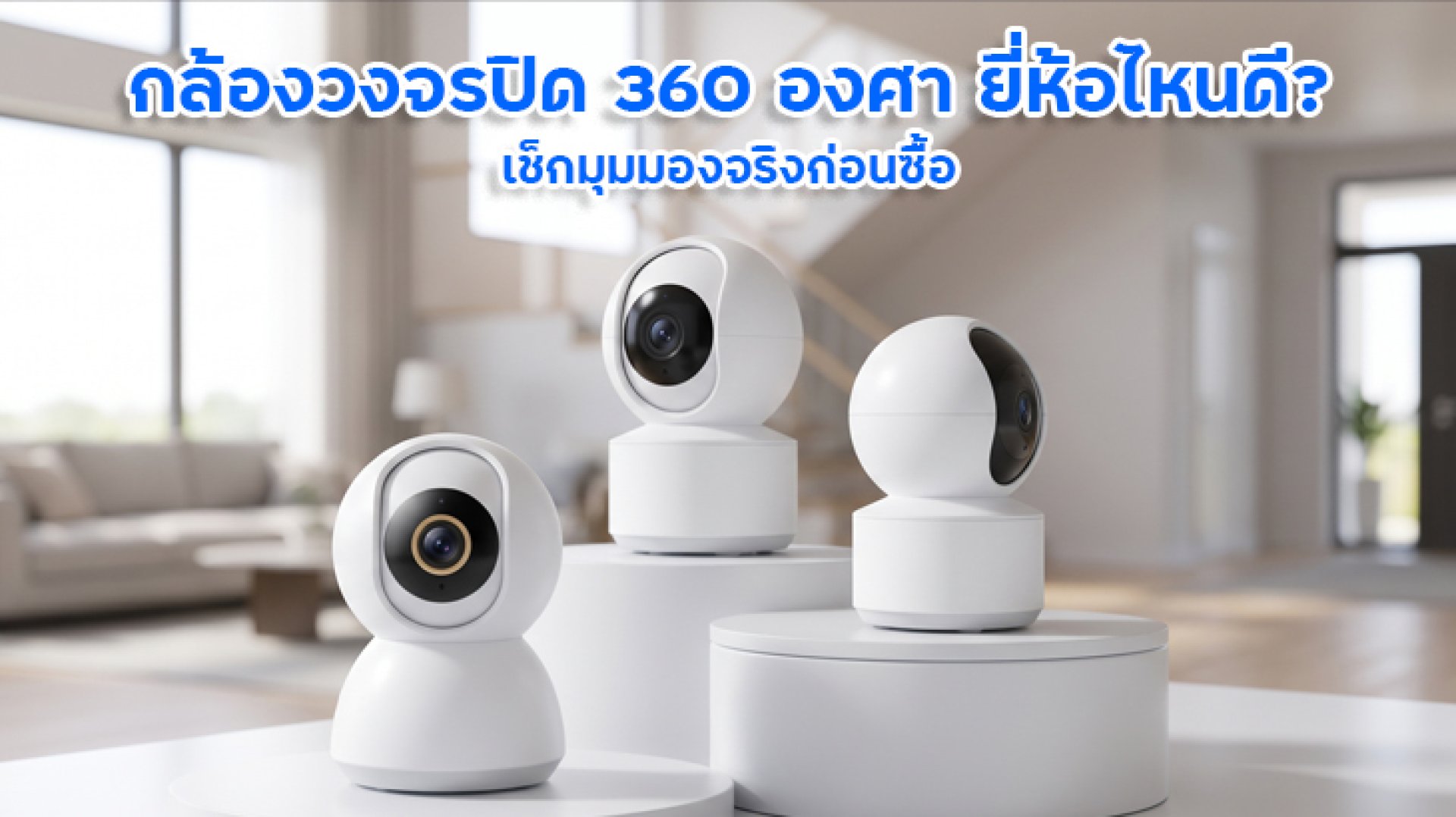
Looking for a 360-degree security camera for your home, condo, or living room? One of the main advantages of this type of camera is its ability to rotate and view different areas around its mounting position. This makes it convenient to monitor multiple areas through a single device, especially in rooms with people moving in different directions or homes where remote monitoring through a smartphone is important.
However, before buying, do not rely on the words 360 degrees alone. This specification may refer to the camera's rotation range rather than the amount of the scene its lens can capture simultaneously. Choosing the wrong type may still leave blind spots or cause you to miss certain events.
This guide explains how to choose a 360-degree security camera, including rotation range, field of view, resolution, motion tracking, and recording options. It also introduces IMILAB models you can compare before making a purchase.
What Is a 360-Degree Security Camera?
A 360-degree security camera generally refers to a camera that can rotate horizontally around its mounting position, allowing it to point toward different areas. Many models can also tilt up and down. Cameras with these movement capabilities are often described as PTZ cameras, which stands for Pan, Tilt, and Zoom.
However, not all cameras have identical movement capabilities. Some can rotate a full 360 degrees horizontally, while others have a rotation range close to 360 degrees. Their vertical tilt ranges also vary, so check the specifications of the exact model you are considering.
A 360-Degree Rotation Range Does Not Mean the Camera Sees Everything at Once
Imagine a camera installed in the middle of a room. It can turn toward the door, window, sofa, or desk as needed. However, while the lens faces one direction, the area behind the camera may not be visible in the current frame.
A 360-degree security camera is therefore useful for checking multiple areas from one mounting position, but it does not necessarily record every direction simultaneously. If you need multiple areas to appear in the same frame, check whether the model uses multiple lenses or another imaging system designed for that purpose.
How to Choose the Best 360-Degree Security Camera: 7 Things to Check
1. Check the Rotation Range and Field of View Separately
This is one of the first things to check because camera specifications may include several different angles: the camera's rotation range and the lens's Field of View (FOV). These are not the same thing.
- Rotation range: Indicates how far the camera can turn.
- Field of view: Indicates how much of the scene the lens captures from a particular position.
- Tilt range: Indicates how far the camera can look up or down.
If you want to monitor a living room, choose a camera that can reach important areas such as the entrance and main seating area. However, if you only need to monitor a narrow hallway, a fixed-view camera with a suitable field of view may be sufficient. You do not always need to pay extra for a rotating mechanism.
2. Choose a Resolution That Matches Your Viewing Distance
Resolution affects image detail, particularly when you need to enlarge footage to examine objects or events farther away. However, higher resolution alone does not guarantee clear images in every situation. Lighting, lens quality, installation position, and recording settings also affect image quality.
- 1080p: Suitable for general monitoring in smaller spaces when detailed image analysis is not a priority.
- 2.5K or 4MP: Provides more image detail and may suit users who want to inspect footage more closely than Full HD allows.
- 3K or 4K: Offers higher image detail, but you should also consider storage capacity and internet requirements.
For a 360-degree security camera, consider resolution alongside the distance to the objects you want to monitor. For example, if the camera is mounted high on the ceiling, even a high-resolution model may not capture enough detail to identify distant objects clearly.
3. Does It Support Motion Detection and Auto Tracking?
A rotating camera does not automatically follow people in every case. If you want the camera to turn toward a person as they move, check whether the model supports Auto Tracking or another target-tracking feature.
It is also important to distinguish general motion detection from human detection. General motion detection may trigger an alert when movement occurs in the frame, while human detection uses image analysis to identify activity associated with people. Accuracy depends on the camera model, lighting, and surrounding environment.
If you plan to monitor pets or family members, check the detection capabilities carefully. Human detection does not necessarily mean the camera can detect or track pets.
4. Check Night Vision Performance
Rooms with limited lighting or areas that become dark at night require suitable low-light imaging capabilities. Check whether the camera supports infrared night vision or color night vision under low-light conditions.
Color Night Vision does not necessarily mean the camera can produce color images in complete darkness. Some models require a certain amount of ambient light to display color and may switch to black-and-white images when lighting becomes insufficient. Review the operating conditions for the specific model before buying.
5. Check Wi-Fi Connectivity and Smartphone Viewing
One reason people choose a 360-degree security camera is the ability to adjust its viewing direction remotely through an app. In practice, however, performance depends on the camera, Wi-Fi network, router, and internet connection used for remote viewing.
Before buying, check the supported Wi-Fi frequency, router compatibility, control app, and setup requirements. If the camera is installed in an area with a weak Wi-Fi signal, you may experience choppy live video or connection interruptions even if the camera can rotate in every direction.
6. Check Recording Options and Storage Capacity
A camera that supports live viewing does not necessarily allow unlimited playback of previous footage. Check whether it supports MicroSD card recording, cloud storage, or another recording method, along with any capacity limits, subscription fees, or recording restrictions.
- MicroSD card: Check the maximum supported capacity and recording options for the specific model.
- Cloud storage: Review subscription requirements, retention periods, and which types of events can be stored.
- Continuous recording: Confirm whether the camera supports continuous recording or only records events according to its settings.
Consider how long you need to retain footage. High-resolution video and continuous recording generally require different amounts of storage than event-based recording.
7. Choose an Installation Position That Minimizes Blind Spots
Even if a 360-degree security camera can rotate widely, installation position still matters. A camera placed too close to a wall, blocked by furniture or a column, or mounted where it cannot tilt far enough may leave some areas difficult to monitor.
Before installation, test the intended position and check whether the camera can reach important areas such as entrances, windows, hallways, and storage areas. If the camera needs to monitor several locations, check whether it supports preset viewing positions or scheduled patrol modes. These features are not available on every model.
IMILAB Security Cameras to Compare
If you are looking for an indoor security camera, start by comparing IMILAB models with published product information. Consider resolution, rotation range, supported apps, and intended use rather than choosing based on the 360-degree label alone.
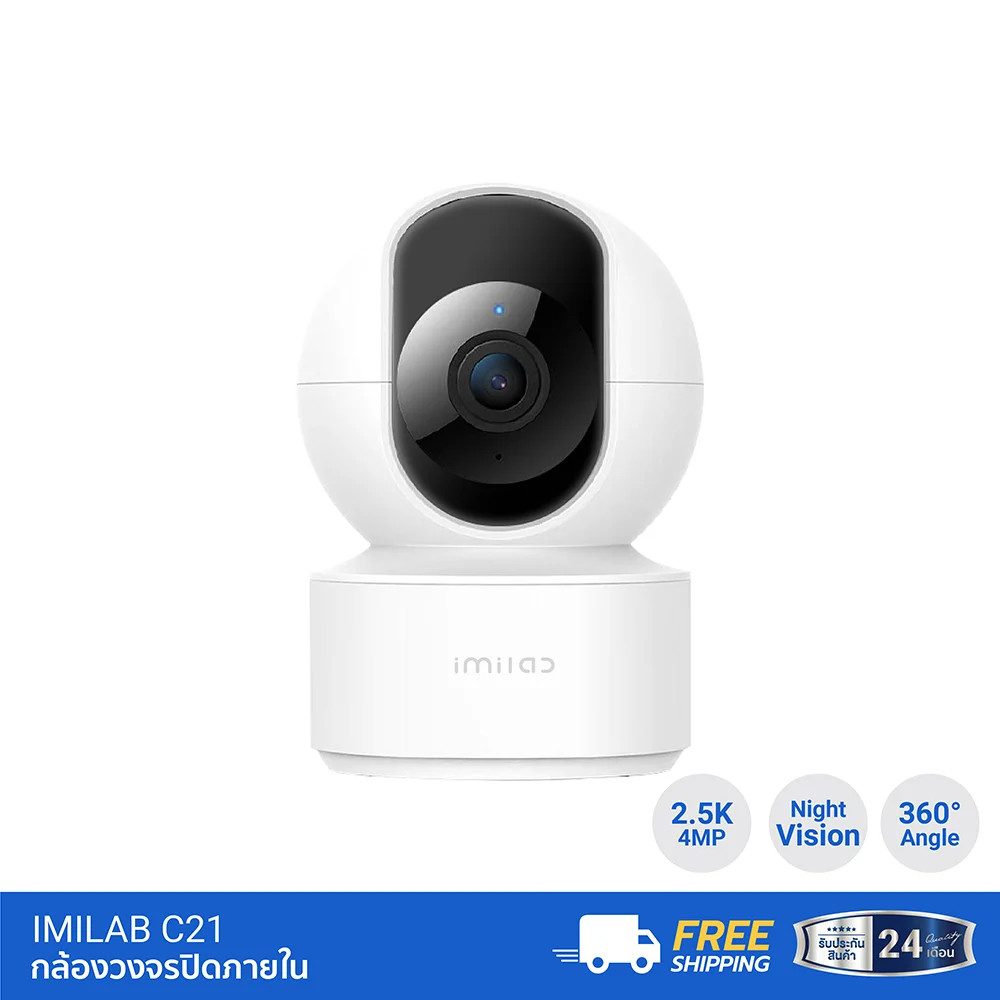
IMILAB C21: An Indoor Camera with 2.5K Resolution
The IMILAB C21 offers 4MP resolution, or 2560 × 1440 pixels, with a 105-degree field of view. Its published specifications list 360-degree horizontal rotation and 110-degree vertical tilt. The camera supports viewing through the Xiaomi Home app and includes motion detection and human tracking features according to its product information.
This model is worth comparing if you want an indoor camera with 2.5K-level image detail and remote viewing adjustment. Before purchasing, check the current price, availability, and warranty conditions from the retailer.
Product details: IMILAB C21 Indoor Security Camera
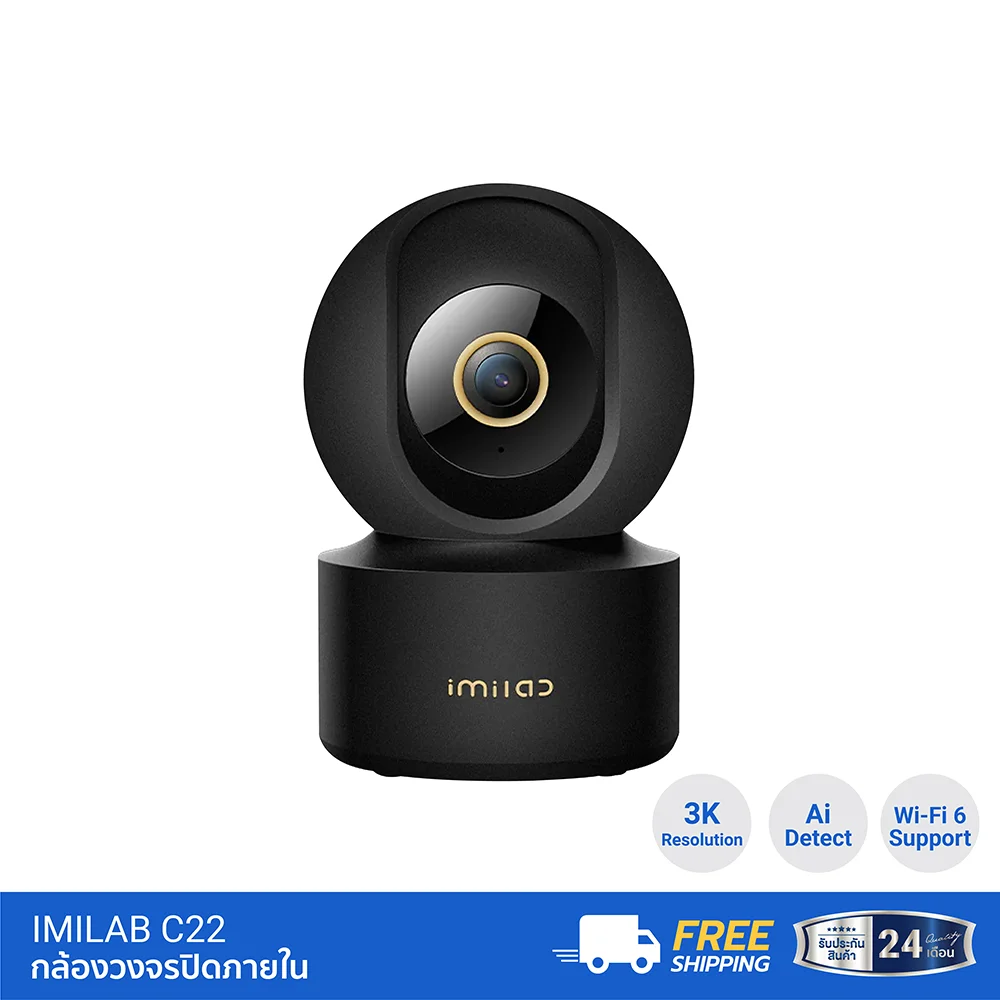
IMILAB C22: An Indoor Camera with 3K Resolution
The IMILAB C22 is another option for users who want a 3K-resolution indoor camera. Its published product information lists 360-degree horizontal rotation and 115-degree vertical tilt. It also supports Wi-Fi 6 on the 2.4GHz band, according to the product specifications.
When comparing the C21 and C22, consider whether the additional resolution will make a meaningful difference for your intended use. Also check network compatibility and app requirements. A higher resolution is not always necessary if you only need general monitoring in a small room.
Product details: IMILAB C22 Indoor Security Camera
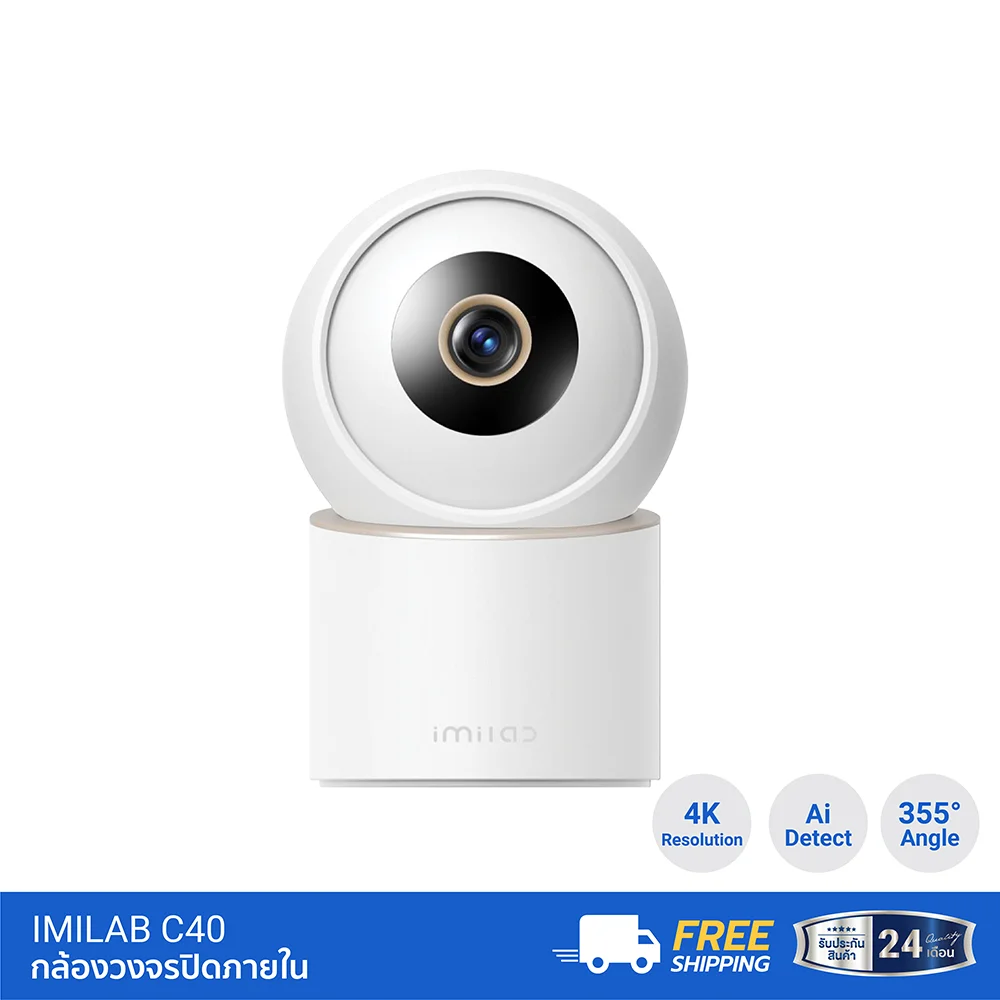
IMILAB C40: An Indoor Camera with 4K Resolution
The IMILAB C40 is an indoor camera with 4K resolution. Its published specifications list horizontal rotation of up to 355 degrees and vertical tilt of 60 degrees. It also supports up to 6× zoom and includes detection and tracking features according to its product information.
One important detail is that the C40's published horizontal rotation range is 355 degrees, not a full 360 degrees. This is why you should check the actual specifications of each model instead of assuming every camera marketed in this category can rotate a complete 360 degrees.
Product details: IMILAB C40 Indoor Security Camera
Note: Features and compatibility may vary by product variant or version. Check the latest product details on the IMILAB Thailand website before publishing or purchasing.
Who Should Buy a 360-Degree Security Camera?
- Homes with multiple viewing directions: Such as living rooms or shared spaces where you may need to change the camera's viewing direction.
- Pet owners: Consider models with pet detection or tracking if you want the camera to follow your pet's movement.
- Users who want smartphone access: Check the app, Wi-Fi reliability, and recording options before buying.
- People who want to monitor several areas from one position: A rotating camera may help, provided it is installed in a suitable location.
On the other hand, if you only need to monitor one entrance continuously, a fixed-view camera with a suitable field of view may be a better choice. It does not need to rotate to change directions, and you do not have to worry about the camera facing another area while an event occurs at the entrance.
Frequently Asked Questions About 360-Degree Security Cameras
Does a 360-degree security camera see the entire room at once?
Not necessarily. A camera advertised as rotating 360 degrees can generally turn to change its viewing direction. To record multiple directions simultaneously, check whether the model has multiple lenses or another imaging system designed for that purpose.
Does a 360-degree rotating camera need Auto Tracking?
No. Rotation and tracking are separate features. Some cameras can be controlled remotely but do not automatically follow a target. If you want the camera to follow people or pets, confirm that the model supports the specific type of tracking you need.
Can one 360-degree security camera replace multiple cameras?
It depends on the size and layout of the space and the areas you need to monitor. A rotating camera may reduce the number of installation points in some situations, but it cannot guarantee simultaneous coverage of every direction. If several important areas must be monitored continuously, more than one camera may be necessary.
Should I prioritize resolution or rotation range?
Start with the layout of the space and the events you need to monitor. Then compare rotation range, field of view, resolution, night vision, and detection features. The camera with the highest resolution or widest rotation range is not necessarily the best choice for every home.
Conclusion: Choose a 360-Degree Security Camera Based on Real Coverage
When choosing the best 360-degree security camera, do not rely only on the model name or the claim that it can rotate in every direction. Consider whether the camera can actually monitor the areas you need, along with resolution, tilt range, tracking features, night vision, connectivity, and recording options.
If you are considering an indoor IMILAB camera, the C21 is an option with 2.5K resolution, the C22 offers 3K resolution, and the C40 provides 4K resolution. Their rotation ranges and features differ, so review the specifications of each model before making a decision.
Finally, remember to test the installation position and check for blind spots. The best camera is not necessarily the one that rotates the farthest; it is the one that provides suitable coverage for your actual monitoring needs.