What Is an NVR? How Does It Work? NVR vs DVR and How to Choose the Right NVR
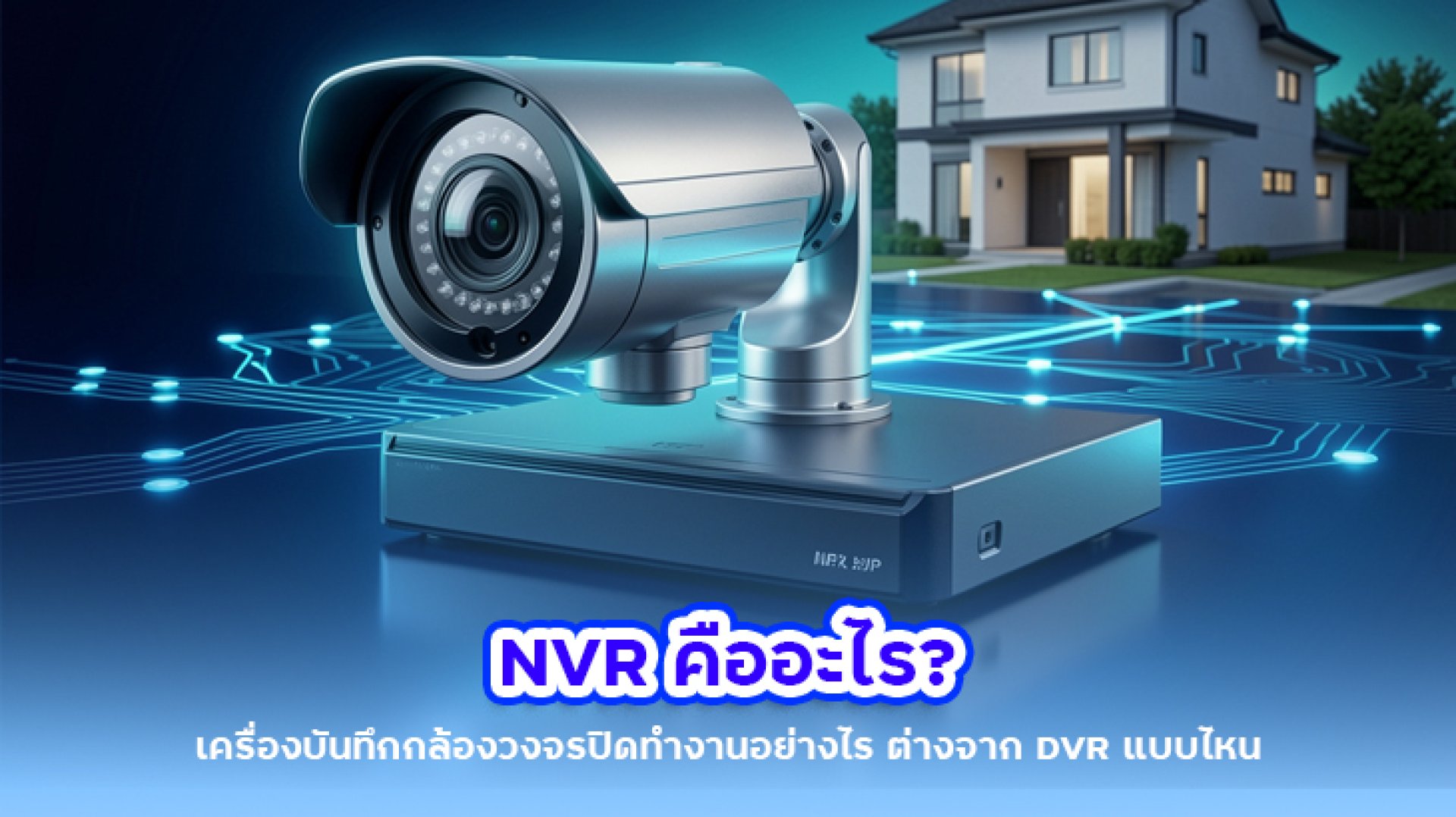
If you are planning to install a CCTV security camera system, especially an IP camera system, one term you will come across quite often is NVR. Understanding what an NVR is is important because an NVR plays a central role in receiving, managing, and recording video from IP cameras over a network.
However, an NVR is not simply a device that stores video footage. Modern NVR systems can also manage multiple cameras, provide live viewing and playback, configure recording schedules, detect events, and, depending on the model, support AI-based features such as human and vehicle detection.
In this guide, we will explain what an NVR is, how an NVR works, how NVR differs from DVR, what PoE NVR means, how many channels you need, what type of HDD to use, and how to choose an NVR for your CCTV system.
What Is an NVR?
NVR stands for Network Video Recorder. It is a recording device designed for network-based security camera systems, particularly IP cameras. An NVR receives video data from IP cameras over a network and records the footage to a storage device such as an HDD.
The key difference between an NVR and traditional recording systems is that an NVR is designed to work within a network-based architecture. IP cameras transmit video data through the network to the NVR, where the video is processed, managed, and stored.
In simple terms, the basic workflow looks like this:
IP Camera Network NVR HDD
Therefore, if you are building an IP CCTV system with multiple cameras and want centralized video recording and management, an NVR is one of the core components you should consider.
What Does an NVR Do?
It is easy to think of an NVR as nothing more than a video recorder, but modern NVR systems can perform several important functions within a CCTV system.
- Receive video streams from IP cameras
- Record video footage to an HDD
- Support continuous or event-based recording
- Provide live camera viewing
- Search and play recorded footage
- Manage multiple cameras from a centralized interface
- Support motion detection on compatible systems
- Support AI-based detection features on selected models
- Enable remote camera viewing through a network or Internet connection, depending on the system
For this reason, an NVR should not be viewed simply as a storage box. It can serve as the central management and recording platform for an entire IP CCTV system.
How Does an NVR Work?
The basic operation of an NVR can be explained in several simple steps.
1. The IP Camera Captures Video
An IP camera captures video from the area being monitored. The camera processes the footage and converts it into digital video data that can be transmitted over a network.
2. Video Data Is Transmitted Over the Network
The camera sends video data through the network using Ethernet or another supported network connection. Depending on the installation, the camera may connect through a standard network switch or a PoE switch.
3. The NVR Receives the Video Stream
The NVR receives video streams from the IP cameras configured within the system. It then manages the incoming video according to the recording settings configured by the user.
4. Video Is Recorded to the HDD
The NVR stores the video footage on an HDD installed inside the recorder. Depending on the configuration, the system can record continuously or only when an event such as motion detection occurs.
5. Recorded Footage Can Be Played Back
When you need to review an incident, you can search for recorded footage by date and time and play it back through a monitor connected to the NVR or another supported device.
What Equipment Is Used in an NVR System?
If you are new to CCTV systems, you may wonder what equipment is required for an NVR-based installation. A typical system can include the following components:
- IP Camera captures video
- NVR manages and records video
- HDD stores recorded footage
- Network Switch connects devices within the network
- PoE Switch provides both network connectivity and power to compatible cameras
- Monitor displays the NVR interface and camera feeds
- Ethernet Cable connects cameras and network equipment
- Router used when remote network or Internet access is required
Not every installation requires all of these components. The exact configuration depends on the type of NVR, cameras, and network architecture being used.
What Is the Difference Between an NVR and a PoE NVR?
The terms NVR and PoE NVR are sometimes confusing because both devices are designed to record and manage IP camera footage. The main difference is how the cameras connect to the recorder.
Standard NVR
A standard NVR typically connects to the network through an Ethernet port. IP cameras may connect through a separate network switch or PoE switch before communicating with the NVR.
This configuration provides greater flexibility when designing larger or more complex network infrastructures.
PoE NVR
A PoE NVR includes built-in Power over Ethernet ports that allow compatible cameras to connect directly to the recorder.
In a supported setup, a single Ethernet cable can carry both power and network data between the camera and the NVR.
The basic connection can therefore look like:
IP Camera Ethernet Cable PoE NVR
This configuration can simplify installation and reduce the number of additional network devices required.
What Do 4CH, 8CH and 16CH Mean on an NVR?
One of the most important specifications to check when buying an NVR is the number of channels it supports.
| NVR Channel | Typical Camera Capacity | Typical Use |
|---|---|---|
| 4CH | Up to approximately 4 cameras | Small homes or small spaces |
| 8CH | Up to approximately 8 cameras | Homes, retail stores, and small offices |
| 16CH | Up to approximately 16 cameras | Offices, warehouses, and medium-sized properties |
| 32CH | Up to approximately 32 cameras | Larger CCTV installations and commercial projects |
However, you should not choose an NVR based solely on the channel count. Different models may have different limitations regarding incoming bandwidth, supported resolution, recording performance, video codec, and processing capability.
For example, an 8-channel NVR may support eight cameras, but that does not necessarily mean it can record eight high-resolution cameras at their maximum settings without limitations. Always check the manufacturer's specifications before purchasing.
Does an NVR Need an HDD?
If you want to record and store video footage for later playback, an NVR will generally require a storage device such as an HDD designed for surveillance systems.
The amount of storage you need depends on several factors, including:
- Number of cameras
- Camera resolution
- Recording hours per day
- Continuous or event-based recording
- Video codec, such as H.264 or H.265
- Target retention period
For this reason, there is no single HDD capacity that is suitable for every NVR system.
How Long Can an NVR Record?
The recording duration of an NVR depends on more than just HDD capacity. It also depends on how much video data is generated by the cameras every day.
A system with multiple cameras recording continuously for 24 hours will consume storage much faster than a system with fewer cameras or event-based recording.
The main factors affecting recording time include:
- Number of cameras
- Resolution
- Frame rate
- Bitrate
- Video codec
- Recording mode
- HDD capacity
If you need to retain footage for 15, 30, or more days, it is important to calculate your storage requirements before installing the system.
NVR vs DVR: What Is the Difference?
The simplest way to understand the difference is that NVR systems are designed primarily for IP cameras, while DVR systems are traditionally used with analog CCTV cameras.
| Feature | NVR | DVR |
|---|---|---|
| Primary Camera Type | IP Camera | Analog Camera |
| Video Transmission | Network | Typically coaxial cable |
| Network Architecture | Central to the system | Not required for transmitting camera video to the recorder |
| System Expansion | Flexible depending on network architecture | Generally limited by recorder ports and cabling |
| Typical Application | IP CCTV systems | Analog CCTV systems |
Modern CCTV technology has become more diverse, so it is not always accurate to say that one system is simply better than the other. The right choice depends on the cameras, infrastructure, budget, and requirements of the installation.
What Are the Advantages of an NVR?
1. Designed for IP Camera Systems
NVRs are designed to work with IP cameras that transmit video through a network, making them suitable for modern network-based CCTV installations.
2. Supports Different Camera Resolutions
Many modern NVRs support a wide range of camera resolutions, including Full HD, 4MP, 5MP, 8MP, and higher, depending on the model.
3. AI Features on Selected Models
Some NVRs support intelligent video analytics such as human detection, vehicle detection, intrusion detection, and other AI-based functions.
4. Centralized Camera Management
Instead of managing every camera separately, an NVR can provide a centralized interface for monitoring and managing multiple cameras.
5. Easy Video Playback
When an incident occurs, users can search recorded footage by date and time, making the NVR an important part of a security monitoring system.
What Are the Limitations of an NVR?
Although NVRs offer many advantages, choosing the right model requires more than simply looking at the price or channel count.
- Check whether the NVR is compatible with the cameras you plan to use.
- Choose an appropriate number of channels.
- Check the NVR's incoming bandwidth.
- Select an HDD suitable for continuous CCTV recording.
- Check the number and standard of PoE ports if using a PoE NVR.
- Check supported codecs and resolutions.
- AI capabilities vary significantly between models.
If you expect to add more cameras in the future, avoid selecting an NVR that has exactly the number of channels you need today. Leaving room for expansion can prevent the need to replace the recorder later.
Who Should Use an NVR?
An NVR is suitable for users who want to build or upgrade an IP-based CCTV system and manage recordings from multiple cameras through a centralized system.
Typical applications include:
- Homes with multiple security cameras
- Retail stores
- Offices
- Warehouses
- Factories
- Schools
- Hotels
- Commercial buildings
- Large properties requiring multiple cameras
For a small home with only one or two cameras, an NVR may not always be necessary because some IP cameras can record directly to a microSD card or supported network storage. However, if you want centralized management and longer-term recording for multiple cameras, an NVR becomes much more practical.
How to Choose the Right NVR
1. Start With the Number of Cameras
Determine how many cameras you need today and consider leaving additional channels available for future expansion.
2. Check Camera Resolution
If you plan to use 4K cameras, make sure the NVR supports the required recording and display resolution.
3. Check Incoming Bandwidth
For systems with many cameras or high-resolution cameras, incoming bandwidth is especially important because all camera streams are transmitted to the recorder.
4. Choose the Right HDD Capacity
A system designed to retain footage for seven days will require significantly less storage than one designed to retain footage for 30 days or more.
5. Check Camera Compatibility
Do not look only at the number of channels. Check whether the NVR supports the IP cameras you plan to use, including compatible protocols such as ONVIF when mixing equipment from different brands.
6. Consider a PoE NVR for Easier Installation
If you want to simplify installation, a PoE NVR can be a convenient option because compatible cameras can receive both power and network connectivity through Ethernet.
7. Consider AI Features
If you need more than basic video recording, check the AI capabilities of both the cameras and the NVR. Features such as human detection, vehicle detection, and intrusion detection can vary considerably between systems.
Does an NVR Need an Internet Connection?
No, an NVR does not necessarily need an Internet connection to record video.
The key requirement for communication between an IP camera and an NVR is the network. Cameras and the NVR can communicate over a local network even when there is no Internet connection.
However, if you want to view your cameras remotely while you are outside the property, the system will generally require an appropriate network or Internet connection, depending on the remote-access technology supported by the manufacturer.
This is why it is important to understand the difference between Network and Internet. They are not the same thing.
Why Is My NVR Not Recording?
If an NVR is installed but video is not being recorded, the problem may not necessarily be the NVR itself. Several components can cause recording problems.
- The HDD may not be detected or may have a problem.
- Recording may not have been configured correctly.
- The camera may not be connected to the NVR.
- The network connection may be unstable.
- Available bandwidth may be insufficient.
- The NVR may not support the camera's specifications.
- There may be a power or PoE issue.
- The storage system may be full or experiencing a write error.
When troubleshooting an NVR, it is better to check the entire systemfrom the camera and network connection to the recorder and HDDrather than immediately replacing the NVR.
Conclusion: What Is an NVR?
NVR stands for Network Video Recorder. It is a video recording device designed primarily for IP camera systems. An NVR receives video streams from IP cameras over a network, manages the video, and records it to an HDD so users can monitor live footage and review recorded video later.
If you are building a new CCTV system using IP cameras, choosing an NVR should involve more than simply comparing prices. Consider the number of channels, resolution support, incoming bandwidth, HDD capacity, PoE capability, video codec, camera compatibility, and AI features based on your actual requirements.
In simple terms, if the IP camera is the eye of the CCTV system, the NVR acts as the central platform that receives, manages, and stores what those cameras see. Choosing the right NVR from the beginning can make your CCTV system easier to manage and expand over the long term.
Frequently Asked Questions About NVR
What does NVR stand for?
NVR stands for Network Video Recorder. It is a video recording device designed for network-based IP camera systems.
What cameras work with an NVR?
NVRs are primarily designed to work with IP cameras. However, you should check camera compatibility and supported protocols before connecting cameras from different models or manufacturers.
What is the difference between NVR and DVR?
An NVR is primarily designed for IP camera systems and receives video over a network, while a DVR is traditionally designed for analog CCTV cameras and receives video through coaxial connections.
Does an NVR need the Internet?
No. An NVR can record video over a local network without an Internet connection. Internet access is generally required only when remote viewing or other Internet-based services are needed.
Does an NVR need an HDD?
If you want to record and retain video footage for playback, an NVR generally requires an HDD or another compatible storage device. The required capacity depends on the number of cameras, recording settings, and retention period.
How many cameras can an 8-channel NVR support?
An 8-channel NVR can typically support up to eight cameras, but the actual recording capability may depend on bandwidth, resolution, codec, and other technical limitations of the specific model.
What is a PoE NVR?
A PoE NVR is an NVR equipped with Power over Ethernet ports. Compatible cameras can receive both power and network data through a single Ethernet cable, which can simplify CCTV installation.
Can cameras and NVRs from different brands work together?
They can in some cases, but compatibility must be checked. Standards such as ONVIF can help different brands communicate, although advanced features such as AI detection, audio, or certain camera controls may not be fully supported across brands.