Security Camera Can't See at Night? Causes & Easy Fixes
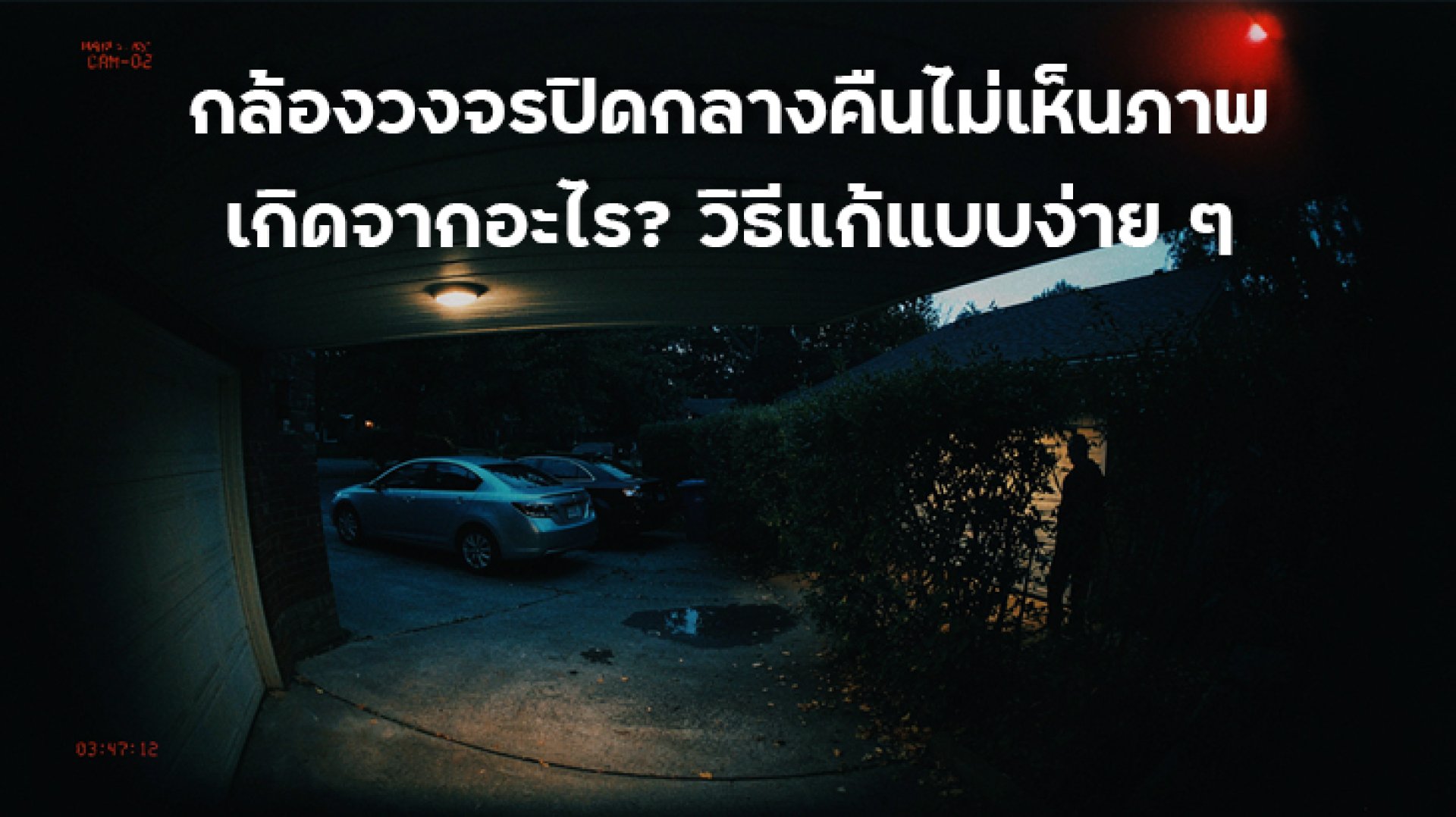
Security cameras that cannot see at night are a common problem, especially when a camera works perfectly during the day but produces a dark, black, blurry, or low-detail image after sunset.
However, a security camera with poor night vision does not necessarily mean that the camera is defective. Nighttime image quality depends on several factors, including the image sensor, infrared illumination, lens condition, installation position, surrounding environment, and Night Vision settings.
This guide explains why a security camera can't see at night and how to troubleshoot the problem, from simple issues such as a dirty lens or nearby objects to IR Night Vision problems, reflections from glass, and choosing a camera with Color Night Vision.
Why Can't My Security Camera See at Night?
There are several possible reasons why a security camera can't see at night. Start with the easiest checks before moving on to camera settings or hardware troubleshooting.
- The area is too dark or has insufficient ambient light
- IR Night Vision is not working correctly
- The camera lens is dirty or covered with water droplets
- An object is blocking the lens
- The camera is installed behind a window or glass
- Infrared light is reflecting back into the lens
- The camera is too close to a wall or nearby object
- Night Vision settings are not configured correctly
- The environment has changed since installation
- The camera's power supply is unstable
- The camera firmware or hardware is experiencing an issue
1. The Area May Be Too Dark for the Camera
A camera needs light to produce an image. Security cameras equipped with Night Vision use additional technologies to improve visibility in low-light or dark environments.
However, "night vision" does not mean every camera can produce the same image quality in complete darkness. When there is very little or no ambient light, the range and performance of the camera's infrared system become especially important.
For example, some IMILAB cameras use Infrared Night Vision, with nighttime viewing distance depending on the camera's infrared LEDs and overall design.
Therefore, if your security camera cannot see at night, first check whether the specific model supports Night Vision and whether its effective nighttime range is suitable for the installation area.
2. IR Night Vision May Not Be Working
One of the most important technologies used by security cameras at night is Infrared, or IR. Infrared illumination helps the camera capture images when visible light is limited.
Some cameras automatically switch to Night Vision when the surrounding light falls below a certain level. Depending on the camera design, an IR-CUT filter may also be used to switch between daytime and nighttime image modes.
If the camera produces a normal image during the day but becomes extremely dark at night, check whether the Night Vision or IR system is functioning correctly.
Signs That Night Vision May Have a Problem
- The daytime image is normal but the nighttime image is black
- The nighttime image is much darker than expected
- Only objects very close to the camera are visible
- Nighttime details are significantly worse than before
- The camera does not appear to switch into Night Vision mode
If the settings and environment appear normal but the problem continues, the camera's IR system or hardware may require further inspection.
3. A Dirty Lens Can Make Nighttime Images Blurry
A dirty camera lens is a simple problem that is often overlooked, particularly with outdoor security cameras.
Dust, fingerprints, water stains, condensation, and other residue on the lens can reduce image clarity. The problem can become more noticeable at night because the camera relies more heavily on its Night Vision system.
Before assuming that the camera is defective, inspect the lens and clean it using a method appropriate for the lens material.
4. Something May Be Blocking the Lens
Branches, leaves, hanging objects, decorations, or other nearby objects can obstruct part of the camera's field of view.
The problem may not be obvious during the day because there is enough ambient light. At night, however, the camera's infrared illumination can interact with nearby objects, causing reflections or blocking part of the image.
Check the area directly in front of the lens, especially if the camera is installed underneath a roof, near trees, or close to hanging objects.
5. Why Does a Camera Perform Poorly When Installed Behind Glass?
This is an important issue for users who install a security camera behind a window or glass.
At night, the camera's infrared light can reflect off the glass and return toward the lens. This can create glare and reduce the visibility of the area outside the window.
Indoor lighting, fingerprints, dirt, condensation, or water on the glass can make the problem worse.
If possible, install the camera so that it can view the monitored area directly instead of recording through glass.
6. Is a Black-and-White Nighttime Image Normal?
A black-and-white image at night does not necessarily indicate a problem.
Many cameras using Infrared Night Vision display nighttime images in black and white. This allows the camera to capture useful details when visible light is very limited.
It is important to distinguish between these situations:
| Symptom | What It May Mean |
|---|---|
| Black-and-white image but details are visible | May be normal IR Night Vision operation |
| Completely black nighttime image | Check Night Vision and IR functionality |
| Bright circular reflections | May be caused by glass or nearby objects |
| Very bright or washed-out nighttime image | Possible IR reflection |
| Blurry nighttime image | Check the lens, moisture, dirt, and installation position |
7. Color Night Vision vs. IR Night Vision
If you want a color image at night, some security cameras use Color Night Vision technology to preserve color information in low-light environments.
However, Color Night Vision does not mean that every camera will produce daytime-quality color images in complete darkness. Performance depends on available light, the image sensor, lens, and the camera's specific technology.
For example, some IMILAB models support Full Color Night Vision together with infrared LEDs. Other models may provide color images in low-light conditions but switch to black-and-white IR Night Vision when the environment becomes completely dark.
Therefore, Color Night Vision can be useful when there is some ambient light, while IR Night Vision can provide visibility when light levels are extremely low. The actual result depends on the specific camera model and installation environment.
8. The Camera May Be Too Close to a Wall
The installation position can have a major effect on nighttime image quality.
If the camera is pointed toward a nearby wall or object, infrared light can reflect back toward the lens. This may cause the nearby area to appear unusually bright while the rest of the scene remains dark.
Before permanently installing the camera, test its viewing angle at night. Check for nearby walls, surfaces, or objects that could reflect infrared light.
9. Night Vision Settings May Be Incorrect
Some security cameras provide several Night Vision options, such as Auto, Always On, or Off, depending on the model and app.
If the nighttime image looks unusual, check the camera settings, particularly options related to:
- Night Vision
- Infrared
- IR
- Day/Night Mode
- Color Night Vision
- Image Settings
- Exposure
The names and available options can vary by camera model and app version, so consult the user manual for the specific camera when necessary.
10. Power Problems Can Affect Night Vision
If the camera is experiencing multiple problems with both image quality and general operation, check the power supply.
Security cameras are designed to operate within specific voltage and current requirements. An unstable power adapter, damaged cable, loose connection, or inadequate power source may cause the camera to restart or operate abnormally.
For outdoor cameras, also inspect the power adapter, cable connections, and the installation's protection against moisture and water.
How to Fix a Security Camera That Can't See at Night
If your camera cannot see at night, you do not necessarily need to reset it immediately. Follow these steps first:
- Check the daytime image to confirm whether the camera works normally during the day.
- Clean the lens and remove dust, dirt, fingerprints, or water droplets.
- Check for obstructions near the lens.
- Check the installation position for nearby walls or reflective surfaces.
- Check whether the camera is installed behind glass.
- Check Night Vision and IR settings in the camera app.
- Turn on a nearby light temporarily to see whether the image improves.
- Check the power adapter and cable.
- Update the app and camera firmware if updates are available.
- Restart the camera and test it again.
What Should You Look for When Choosing a Security Camera for Nighttime Use?
When buying a new security camera, do not focus only on resolution such as 2K, 3K, or 4K. Higher resolution does not automatically guarantee better nighttime performance.
You should also consider:
- Night Vision Does the camera support nighttime viewing?
- IR LEDs What infrared technology and effective range does it provide?
- Color Night Vision Can it provide color information in low-light conditions?
- Aperture How much light can the lens capture?
- Image Sensor Sensor performance is important in low-light environments.
- Smart Night Vision Can the camera automatically switch between different nighttime modes?
- Installation Environment Is the camera designed for the location where it will be installed?
Examples of IMILAB Cameras With Night Vision
Several IMILAB security cameras include features designed for nighttime monitoring, although the exact capabilities vary by model.
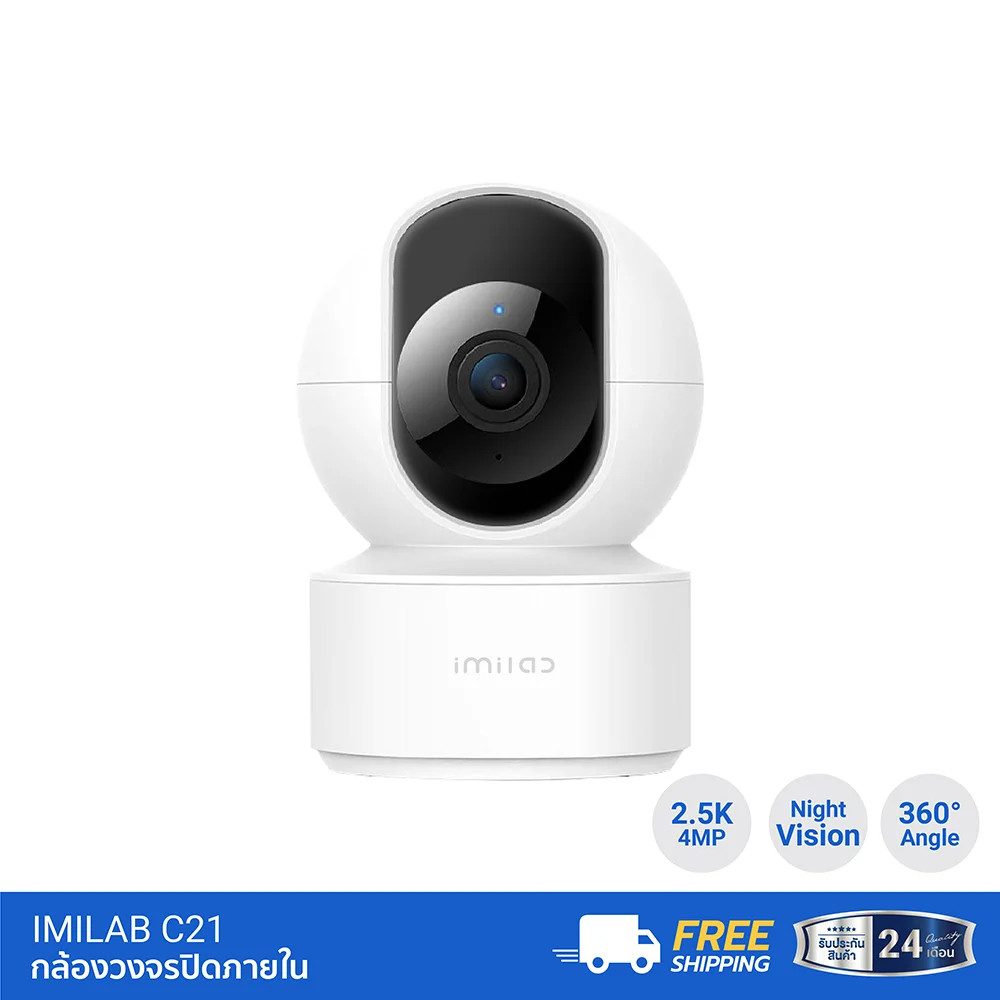
IMILAB C21 supports Full Color Night Vision and infrared LEDs, with the product information specifying an infrared range of up to approximately 40 feet.
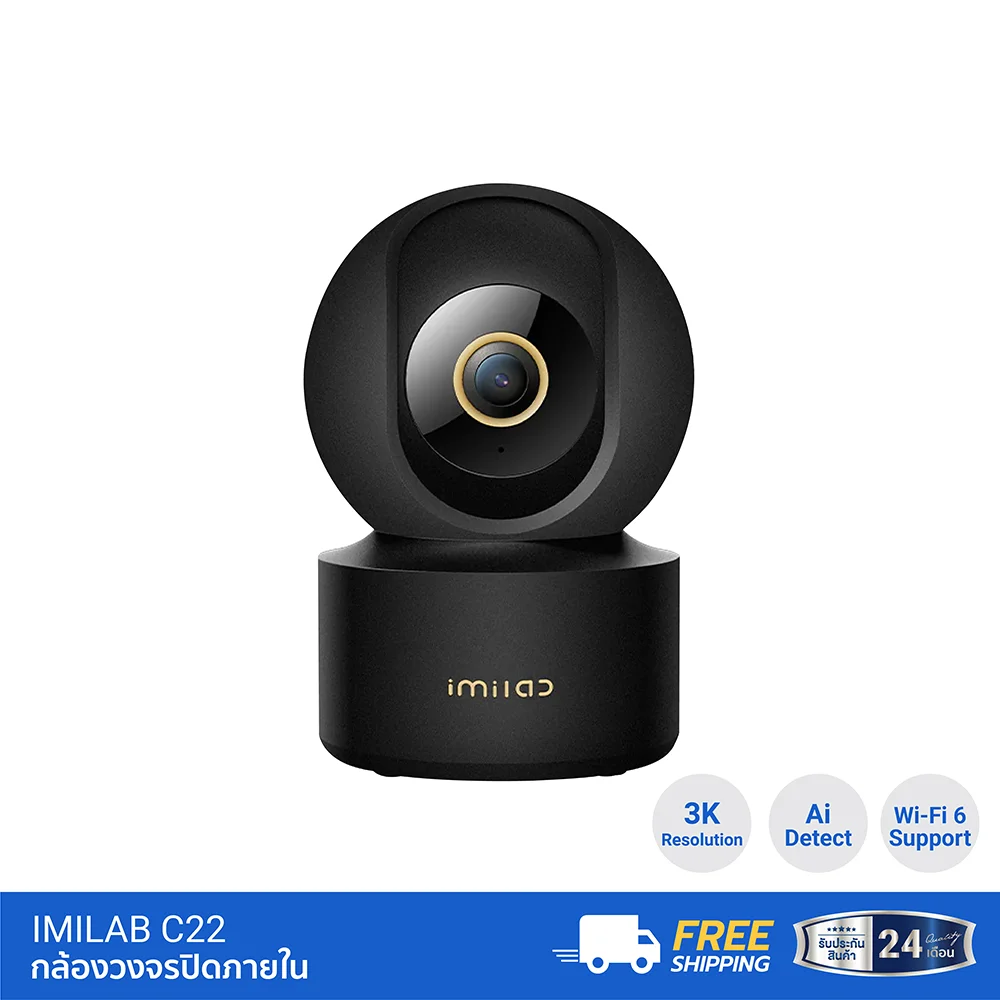
IMILAB C22 supports 3K resolution, Full Color Night Vision, and 850nm infrared LEDs. According to its product information, the camera switches to black-and-white imagery in complete darkness.
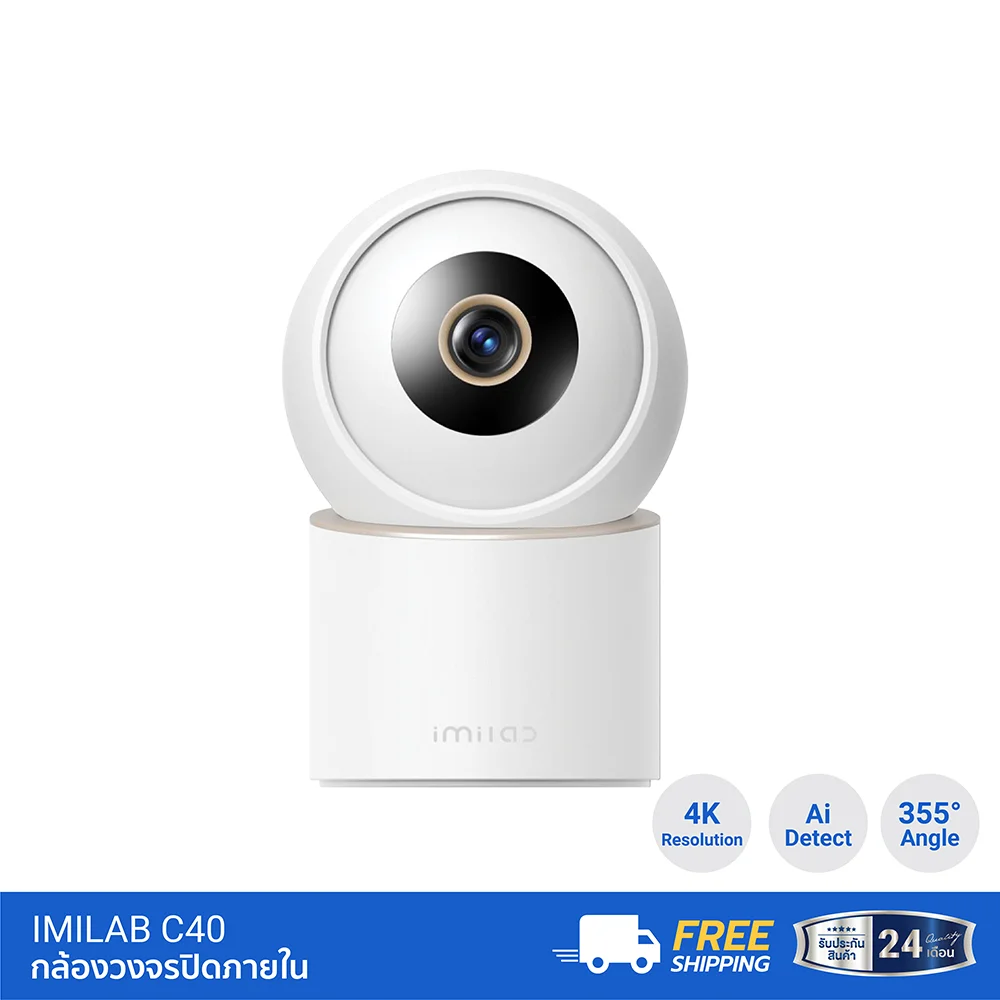
For users looking for higher resolution, IMILAB C40 supports 4K resolution and Enhanced Color Night Vision, together with infrared technology for low-light and nighttime environments.
The right camera should therefore be selected based on the actual lighting conditions, required viewing distance, installation position, and monitored area rather than resolution alone.
Conclusion: What Should You Do If Your Security Camera Can't See at Night?
If your security camera can't see at night, do not immediately assume that the camera is broken. Start by checking the lens, nearby objects, installation position, and Night Vision system.
Common problems include IR reflections from glass, objects positioned too close to the lens, dirty lenses, incorrect Night Vision settings, or an environment that is darker or farther away than the camera's Night Vision capabilities allow.
If you need more detailed nighttime images, choosing a camera with Color Night Vision or Enhanced Night Vision may be worth considering. However, always check the manufacturer's specifications and expected operating conditions because Night Vision performance varies significantly between camera models.
Frequently Asked Questions (FAQ)
Why can't my security camera see at night?
Possible causes include an IR Night Vision problem, a dirty lens, an obstruction in front of the camera, installation behind glass, infrared reflections, incorrect settings, or insufficient power.
Why is my security camera showing a black screen at night?
Check whether Night Vision and IR are working correctly. Also inspect the lens and installation position. If the monitored area is too dark or farther than the camera's effective Night Vision range, the image may appear very dark.
Is it normal for a security camera to show black-and-white images at night?
Yes. Cameras that use IR Night Vision commonly display black-and-white images at night. If you want color information in low-light conditions, consider a camera that supports Color Night Vision.
Why is my security camera blurry at night when installed behind a window?
The camera's infrared light can reflect off the glass and return toward the lens, creating glare and reducing image detail. Dirt, fingerprints, condensation, and indoor lighting can also contribute to the problem.
Is Color Night Vision better than IR Night Vision?
Not necessarily. Color Night Vision can provide color information in low-light conditions, while IR Night Vision is designed to maintain visibility when visible light is extremely limited. Performance depends on the camera and the surrounding environment.
Related Articles
- Why Does a Security Camera Go Offline? Basic Troubleshooting Guide
- What Is a Dual-Lens Security Camera? How Is It Different From a Single-Lens Camera?