Why Is My CCTV Camera Video Lagging or Stuttering During Live View?
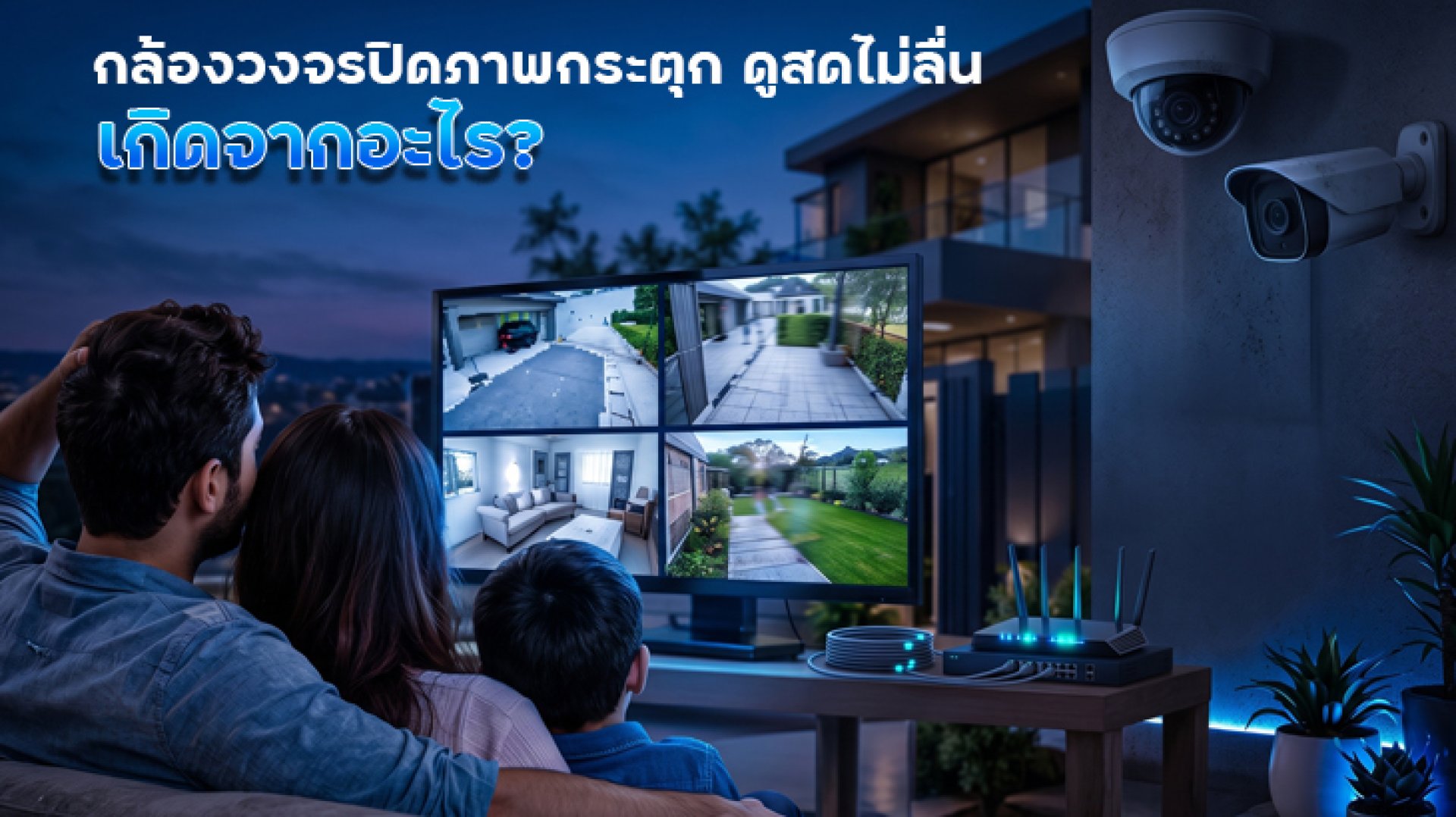
Have you ever opened your CCTV camera to watch the live feed, only to find that the video keeps stuttering, freezing, buffering, or lagging? The camera may still show as Online, but the live video is far from smooth.
Before assuming that the camera is broken, it is important to identify where the problem is coming from. A lagging CCTV feed can be caused by the camera, Wi-Fi, router, Internet connection, or the smartphone being used to view the footage.
In this article, we will explain why CCTV camera video lags or stutters during Live View and what you can do to troubleshoot the problem step by step.
Why Is My CCTV Camera Video Lagging?
There are several possible reasons why a CCTV live feed may not be smooth. Common causes include:
- Unstable Wi-Fi connection
- The camera is too far from the router
- Walls or other obstacles are blocking the Wi-Fi signal
- Too many devices are using the network at the same time
- Unstable or insufficient Internet connection
- Poor Internet connection on the smartphone
- A temporary problem with the CCTV app
- Video quality is too high for the current network conditions
- The router is overloaded or experiencing a temporary problem
- A temporary issue with the camera or connected service
1. The Camera's Wi-Fi Connection Is Unstable
One of the most common causes of a lagging CCTV feed is an unstable Wi-Fi connection. The camera may still appear Online, but its connection may not be stable enough to continuously transmit video.
Check whether the camera is located far from the router. Multiple walls, floors, furniture, and other obstacles can affect wireless signal quality.
Important: A camera being Online does not necessarily mean that its Wi-Fi connection is strong. Maintaining an Online status generally requires less data than continuously streaming live video.
2. The Camera Is Too Far from the Router
The distance between the camera and router can have a direct effect on wireless connection quality, especially in large homes or multi-story buildings.
If the camera is installed at the far end of the house or behind several walls, the connection may become unstable. This can result in packet loss, buffering, frozen frames, or delayed Live View.
If possible, temporarily test the camera closer to the router. If the video becomes smoother, the Wi-Fi connection is likely part of the problem.
3. Too Many Devices Are Using Wi-Fi at the Same Time
Think about everything connected to your home network: Smart TVs, smartphones, computers, tablets, game consoles, and multiple CCTV cameras may all be using the same network at once.
If one or more devices are streaming high-resolution video, downloading large files, or uploading large amounts of data, network resources can become limited.
Try temporarily stopping activities that use a lot of bandwidth and check the CCTV Live View again. If the video becomes smoother, network load may be contributing to the problem.
4. Your Smartphone's Internet Connection Is Unstable
Watching a CCTV camera remotely does not depend only on the Internet connection at the camera's location. Your smartphone also needs a stable Internet connection to receive the live video.
If your phone has a weak 4G/5G signal or is connected to an unstable Wi-Fi network, the CCTV feed can lag even when the camera itself is working normally.
Easy test: Switch from Wi-Fi to mobile data, or from mobile data to Wi-Fi, and open the Live View again.
5. The Video Quality Is Too High for the Current Network
Higher-resolution video generally contains more data than lower-resolution video. When the network is under heavy load or has limited capacity, maintaining a high-quality Live View may become difficult.
If your camera or app provides different viewing quality options, such as High Definition and Standard Definition, try lowering the viewing quality temporarily.
If the video becomes smoother after reducing the quality, the network may not be able to continuously handle the higher-quality video under the current conditions.
6. The Router Is Overloaded or Has a Temporary Problem
Your router manages the network connections for the devices in your home. If it has been running continuously for a long time, has many connected devices, or experiences a temporary connection problem, CCTV Live View may be affected.
Try restarting the router, wait for the Internet connection to return, and then test the camera again.
If several cameras start lagging at the same time, check the router and network before assuming that the individual cameras are faulty.
7. The CCTV App May Have a Temporary Problem
Sometimes the camera and network are working normally, but the app itself may not be operating correctly.
If Live View is lagging, close the app completely and open it again. Check whether the app has an available update and install the latest version when appropriate.
You can also try signing in again if the problem continues.
8. What If Multiple CCTV Cameras Lag at the Same Time?
If several cameras begin lagging at approximately the same time, do not immediately reset every camera.
Start by checking the router, Wi-Fi, and Internet connection. When multiple cameras experience the same problem simultaneously, the issue may be related to the shared network rather than an individual camera.
On the other hand, if only one camera is lagging while other cameras work normally, check that camera's installation location and Wi-Fi signal first.
How to Check Whether the Problem Is the Camera or the Internet
Testing different devices and networks can help narrow down the source of the problem quickly.
| Symptom | What to Check |
|---|---|
| Video only lags when viewing over Wi-Fi on the phone | The Wi-Fi network or router used by the phone |
| Video only lags when using mobile data | The phone's mobile signal or Internet connection |
| Multiple cameras lag at the same time | Router, Wi-Fi, or Internet connection |
| Only one camera lags | The camera's location and Wi-Fi connection |
| The problem remains after changing phones | The camera or network on the camera side |
| Video becomes smooth after changing networks | The original network may be causing the problem |
How to Fix a CCTV Camera That Keeps Lagging
Before contacting a technician or resetting the camera, try these troubleshooting steps in order:
- Check the Internet connection on your smartphone.
- Switch between Wi-Fi and mobile data.
- Check the distance between the camera and router.
- Reduce obstacles between the camera and router if possible.
- Temporarily stop devices that are using a large amount of bandwidth.
- Try lowering the Live View video quality.
- Close and reopen the CCTV app.
- Check whether the app is updated.
- Restart the router.
- Open Live View again and check whether the problem has improved.
What Is the Difference Between a Lagging Video and an Offline Camera?
These are two different problems.
An Offline camera means the camera cannot maintain a normal connection to the network or service. A lagging video, on the other hand, means that the Live View connection is still receiving video, but the data is not being delivered continuously or quickly enough.
Therefore, if the camera is still Online but the video is not smooth, you should not immediately assume that the camera has disconnected from Wi-Fi or is defective.
Do You Need to Reset the Camera If the Video Is Lagging?
Resetting the camera should not normally be the first troubleshooting step.
Start by checking the Wi-Fi connection, router, Internet connection, and app. A factory reset may remove the current network configuration and require you to set up the camera again.
If the problem continues only with the same camera after the basic network checks have been completed, follow the troubleshooting instructions specific to that camera model.
Conclusion: CCTV Camera Video Keeps Lagging
A lagging CCTV video does not necessarily mean that the camera is broken. The problem may be caused by unstable Wi-Fi, the distance from the router, network congestion, the Internet connection on your phone, the CCTV app, or the amount of data being transmitted during Live View.
The easiest way to troubleshoot the problem is to isolate each part of the connection, starting with phone app Internet router Wi-Fi camera.
If the video becomes smoother after switching networks, reducing network usage, or moving the camera closer to the router, you can narrow down the cause without unnecessarily resetting the camera.
FAQ: CCTV Camera Video Lagging
Why does my CCTV camera video keep lagging?
The video may lag because of an unstable Wi-Fi connection, poor Internet performance, network congestion, a busy router, or problems with the app or smartphone connection.
Why is my CCTV camera lagging even though it is still Online?
An Online status does not necessarily mean that the video connection is stable. The camera may remain connected while the Live View data is being transmitted inconsistently.
Should I reset my CCTV camera if the video keeps lagging?
Not immediately. Check the Wi-Fi, router, Internet connection, and CCTV app first. Resetting the camera may require you to configure the camera again.
Why are multiple CCTV cameras lagging at the same time?
If several cameras experience the same problem simultaneously, check the router, Wi-Fi, and Internet connection first. The problem may be related to the shared network.
Why does the CCTV video become smoother when I switch from Wi-Fi to 4G or 5G?
This suggests that the Wi-Fi network used by the phone may be contributing to the problem. Switching networks can help determine which part of the connection is causing the lag.