CCTV Camera Hacked? What Should You Do?
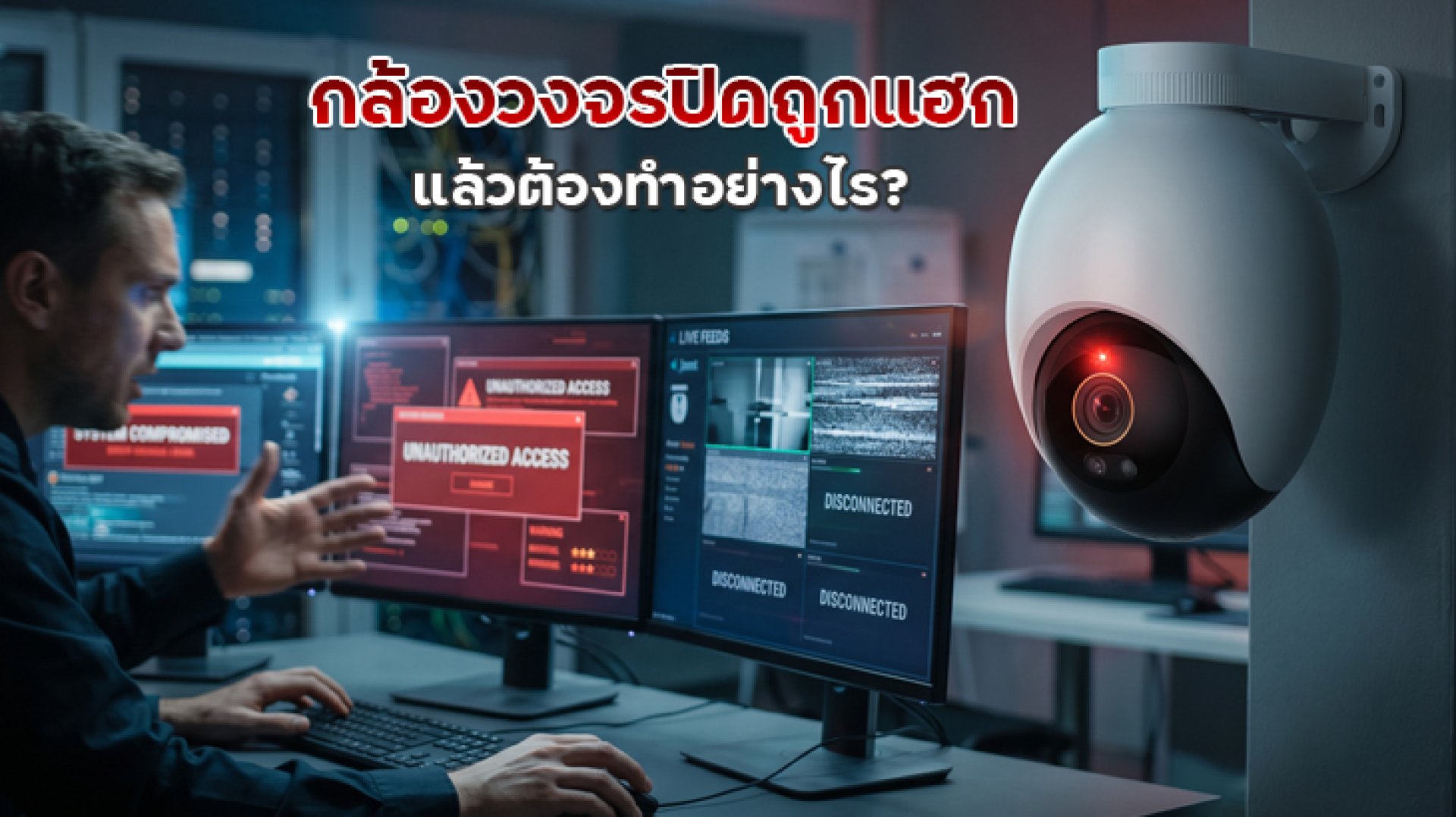
If you think your CCTV camera has been hacked, don't panic. More importantly, don't simply continue using the camera as normal. The first steps should be to secure access, check your account and devices, and identify how the camera may have been accessed.
Unexpected camera movement, unknown devices connected to your account, or settings that changed without your permission can be warning signs. However, these symptoms do not necessarily mean that your camera has been hacked, because technical problems can cause similar behavior.
If you suspect unauthorized access, follow these steps.
1. Disconnect the Camera If You Suspect Active Unauthorized Access
If you believe someone may currently be accessing your camera, consider temporarily disconnecting it from the Internet or network, following the manufacturer's instructions.
This can help stop remote access while you investigate the problem, especially if you notice unusual behavior such as the camera moving by itself or an unexpected login notification.
However, if the camera is part of an important security system in a store, factory, office, or other business, consider the impact before disconnecting the entire system because recording may stop.
2. Change Your Camera Account Password Immediately
Change the password for the account used to access your camera, especially if you control it through a mobile app or cloud service.
Your new password should be unique and should not be reused for your email, Wi-Fi network, social media, or other accounts.
If you previously used the same password for other services, change those passwords as well. The problem may involve your account credentials rather than the camera itself.
The U.S. Federal Trade Commission (FTC) recommends avoiding default passwords and password reuse for connected security cameras. It also recommends enabling two-factor authentication when available.
3. Check Which Devices Are Logged In
If your camera app provides a list of logged-in devices or active sessions, check it carefully.
Look for devices you do not recognize, such as an unfamiliar smartphone, computer, or login location.
If you find an unknown device, remove it or sign it out using the account's security settings. After that, consider changing your password again.
This step is important because simply changing a password may not always be enough if an existing session or authorized device still has access to the account.
4. Enable Two-Factor Authentication
If your camera's app or cloud account supports Two-Factor Authentication (2FA), enable it after changing your password.
2FA adds another layer of identity verification, meaning that knowing your password alone is not enough to access an account on systems that support multi-factor authentication.
You should also secure the email account associated with your camera account. If that email account does not have 2FA enabled, consider enabling it because email may be used for password recovery.
5. Update the Camera Firmware and App
Once you have secured the account, check whether your camera's firmware and mobile app are up to date.
Firmware updates can include security fixes and other improvements that address vulnerabilities in connected devices.
The UK National Cyber Security Centre (NCSC) recommends keeping smart security cameras updated and installing software or firmware updates when they become available.
Do not download firmware from unofficial websites or unknown sources. Use the manufacturer's official support page or update system whenever possible.
6. Check Your Router and Remote Access Settings
The problem may not be limited to the camera itself. The network that the camera connects to should also be checked.
Review your router settings for features that allow devices or services to be accessed from the Internet, particularly Port Forwarding or UPnP settings that you do not need.
The NCSC recommends considering disabling UPnP and Port Forwarding when they are not required because unnecessary network exposure can increase the attack surface of devices on your network.
If you do not need to access your camera remotely, you can also consider disabling remote access, depending on the capabilities of your camera system.
7. Factory Reset the Camera If You Still Cannot Secure It
If you continue to see suspicious behavior or cannot regain full control of the camera and its settings, a factory reset may be the next step.
A factory reset returns the camera to its default configuration. The exact reset procedure varies by model, so follow the manufacturer's official instructions.
After resetting the camera, do not simply restore the old configuration. Set it up again with a new password, updated firmware, secure network settings, and two-factor authentication if supported.
What Are the Signs That a CCTV Camera May Have Been Compromised?
No single symptom can prove that a CCTV camera has been hacked. However, several unusual signs together should prompt further investigation.
- An unknown device appears in your camera account.
- You find login activity that you do not recognize.
- Camera settings have changed without your permission.
- The camera moves or changes its viewing direction unexpectedly.
- You receive an unfamiliar login or security notification.
- You suddenly cannot log in using your previous password.
- Suspicious behavior starts after installing firmware or software from an unknown source.
Keep in mind that problems such as the camera going offline, failing to display video, or moving incorrectly do not automatically mean that it has been hacked. Wi-Fi problems, Internet outages, motors, firmware bugs, or software issues can produce similar symptoms.
Can Someone Watch Recorded CCTV Footage After Hacking the Camera?
It depends on which part of the system was compromised and where the footage is stored.
If the camera uses cloud storage and an unauthorized person gains access to the cloud account, they may be able to access information that the compromised account is authorized to view, depending on the service.
For cameras that store footage on a MicroSD card or another local recording device, the situation depends on the camera's architecture and how the attacker gained access.
This is why a security investigation should cover the camera, mobile app, cloud account, and network rather than focusing only on the physical camera.
Should You Delete Old Footage If You Think Your Camera Was Hacked?
Do not immediately delete potential evidence unless there is a specific reason to do so.
Recorded footage, login history, security notifications, and account activity may be useful when determining what happened.
If this is a home security camera and you discover unauthorized access, secure the account and preserve relevant information first. If the camera is used by a business or organization, notify the appropriate IT or security administrator and follow the organization's incident-response procedures.
How Can You Prevent the Same Problem From Happening Again?
Once you regain control of the camera, don't stop at changing the password. CCTV security involves the camera, user account, application, and network.
- Change the default password immediately.
- Use a unique password that is not reused elsewhere.
- Enable 2FA when supported.
- Keep camera firmware and apps updated.
- Disable remote access when it is not necessary.
- Review your router and network configuration.
- Consider separating security cameras from other important devices on your network.
- Choose cameras from manufacturers that continue to provide security updates.
The FTC also recommends securing your router, using WPA2 or WPA3 where supported, keeping software updated, and considering a separate network for security cameras and other IoT devices.
Conclusion: Don't Replace Your CCTV Camera Immediately
If you suspect that your CCTV camera has been hacked, replacing the camera should not necessarily be your first step.
Start by securing the system: disconnect the camera when appropriate change the password check logged-in devices enable 2FA update firmware check the router and remote access settings factory reset if necessary.
Most importantly, do not assume that every unusual camera behavior means hacking. A camera going offline, failing to display video, or moving unexpectedly can also result from network, software, firmware, or hardware problems.
The key is to determine who can access the camera and close any unnecessary access points. A connected CCTV camera is not only a surveillance device; it is also a network-connected device that needs proper account, firmware, and network security.