What Is a Two-Way Audio Security Camera? How Does It Work and Is It Worth Having?
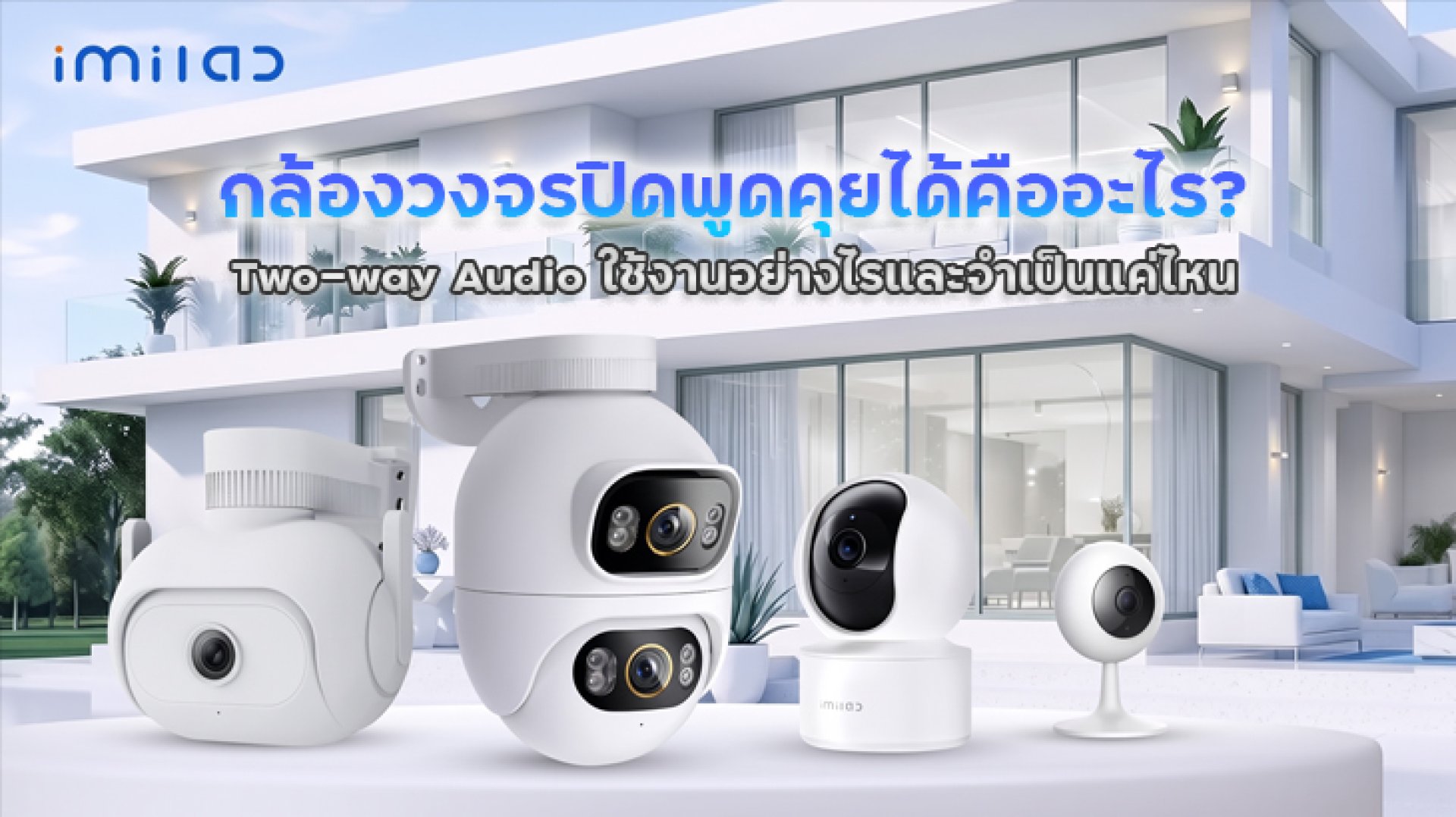
Have you ever wanted to check on your family while you are away from home, but simply watching live camera footage was not enough? Sometimes, you may want to ask an elderly family member if they have eaten, remind someone to take their medication, or call your pet when it starts getting into trouble. This is where a two-way audio security camera becomes useful.
With Two-way Audio technology, you can listen to sounds around your camera and speak back through your smartphone. This allows you to communicate with people or interact with pets even when you are not physically at home.
However, not every security camera that records audio supports two-way communication. Some models only have a built-in microphone for listening and recording, without a speaker for sending your voice back. If you are looking for a security camera that lets you talk to elderly family members, communicate with people at home, or interact with pets, this guide explains how Two-way Audio works, its practical benefits, and what to consider before buying one.
What Is a Two-Way Audio Security Camera?
A two-way audio security camera is a camera equipped with both a microphone and a speaker. These components allow users to communicate with people near the camera through a smartphone app, even when they are somewhere else.
This technology is called Two-way Audio because sound travels in two directions: from the camera to your phone and from your phone back to the camera.
The system works through two main functions:
- Audio Input: The camera's built-in microphone captures sounds around the installation area, such as conversations, voices, or other indoor activities. The audio is then transmitted to your smartphone over the network.
- Audio Output: When you speak through your smartphone's microphone, your voice is transmitted over the internet to the camera. The built-in speaker then plays your voice so people nearby can hear you.
In simple terms, you can hear what is happening at home through your phone and speak back through the camera without being physically present.
What Is the Difference Between a Microphone and a Speaker?
Many people assume that a security camera with a microphone can automatically support two-way communication. However, these two components serve different purposes.
| Component | Function | Example |
|---|---|---|
| Microphone | Captures audio near the camera | Listening to conversations, pets, or indoor sounds |
| Speaker | Plays audio from the camera | Talking to family members or calling pets |
| Two-way Audio | Combines audio input and output | Communicating through the camera remotely |
Therefore, if you want a two-way audio security camera, make sure the model has both a microphone and a speaker and explicitly supports Two-way Audio. Audio recording alone does not mean that you can talk through the camera.
How to Use Two-Way Audio on a Security Camera
Using Two-way Audio is generally straightforward. Most compatible security cameras allow users to control this feature through their smartphone apps, such as Xiaomi Home or Mi Home. However, menu names and button locations may vary depending on the camera model and app version.
Here are the general steps:
- Connect the camera to the app: Install your security camera, connect it to Wi-Fi, and add the device to its compatible smartphone app.
- Open Live View: Select the camera you want to use to view the live footage.
- Tap the Talk button: Look for the microphone icon or Two-way Audio control on the screen.
- Allow microphone access: If this is your first time using the feature, your smartphone may ask for permission to access its microphone. Allow access to enable voice transmission.
- Start talking: Speak into your phone. Your voice will be played through the camera's speaker. You can then listen to the other person's response through your smartphone.
Some camera models require you to press and hold the Talk button while speaking, while others allow continuous conversation after activating the feature. Check your camera's user manual for the correct operating method.
Who Can Benefit from a Two-Way Audio Security Camera?
Two-way Audio is useful for more than just everyday conversations. It can also make it easier to look after family members and pets, especially when you cannot stay at home throughout the day.
1. Communicating with Elderly Family Members
For households with elderly family members, a two-way audio security camera can make remote communication more convenient. You can check whether they have eaten, remind them to take their medication, or simply have a conversation to help them feel less lonely during the day.
If an elderly family member wants to communicate with someone, they can also speak near the camera, provided the microphone can capture their voice clearly and someone is monitoring or listening through the app.
However, Two-way Audio is not a dedicated emergency communication system and cannot fully replace a caregiver or emergency alert device. If you use a camera to monitor an elderly family member, install it in a suitable location and do not rely on it as the only method of requesting emergency assistance.
Read more: Security Cameras for Elderly People: How to Choose the Right One
2. Talking to Dogs and Cats While You Are Away
If you have a dog or cat at home while you are at work, you have probably wondered what your pet is doing throughout the day. Some pets sleep most of the time, while others turn the house into their personal playground!
A security camera with Two-way Audio allows you to speak to your pets remotely. For example, you can call your dog to get its attention or use your voice to comfort your cat when it hears an unfamiliar noise.
However, pets react differently to sounds coming from a camera speaker. Some may recognize their owner's voice and come closer, while others may become confused or startled because they can hear a familiar voice without seeing their owner.
Start by speaking in a normal, gentle voice rather than shouting or turning the volume up too high. Observe your pet's reaction before making remote communication part of your daily routine.
Read more: Security Cameras for Pets: How to Choose the Right Camera for Dogs and Cats
3. Communicating with Delivery Drivers or Visitors
Another practical use is communicating with delivery drivers when nobody is home. If your camera is installed near the front door or another suitable entrance, you can use Two-way Audio to give instructions, such as asking the driver to leave a package at a designated location or wait for a moment.
For outdoor installations, choose a camera designed for the environment. Consider weather protection ratings, speaker volume, and whether the microphone can capture voices clearly in the surrounding conditions.
Which IMILAB Security Cameras Support Two-Way Audio?
If you are considering an IMILAB security camera with Two-way Audio, check the product specifications carefully. The camera should explicitly list both a built-in microphone and speaker, along with Two-way Audio support.
Do not assume that every IMILAB camera supports this feature simply because it can record audio or has a microphone.
IMILAB C21
The IMILAB C21 is an indoor security camera with 4MP 2.5K resolution. It supports Two-way Audio through its built-in microphone and speaker, allowing users to communicate remotely through the Mi Home app.
It is suitable for indoor monitoring, including keeping an eye on family members and pets while you are away from home.
IMILAB C22
The IMILAB C22 is another indoor security camera that supports Two-way Audio. Its built-in microphone and speaker allow users to listen and communicate through the camera using the Mi Home app.
It also supports MicroSD card storage, subject to the product's specifications and compatible memory card requirements.
Both the IMILAB C21 and C22 are examples of indoor cameras designed to provide more than just remote video monitoring. Their two-way communication capability makes it easier to stay connected with people and pets at home.
Important Note: The models listed above are examples with product specifications indicating Two-way Audio support. This does not mean that every IMILAB camera has this feature. Always check the exact model and regional product specifications before purchasing.
Limitations of Two-Way Audio You Should Know Before Buying
Although a two-way audio security camera offers greater convenience, there are several limitations to consider before using this feature regularly. Audio quality, internet stability, and the installation environment can all affect the communication experience.
1. Echo and Audio Feedback
One common issue with two-way communication is audio echo or feedback. This can happen when sound from the camera's speaker is picked up again by its microphone, or when audio devices are placed too close to each other.
For example, if you open the camera's live feed on your phone and place the phone close to the camera while both devices are playing audio, you may hear an echo or a high-pitched feedback sound that makes conversation difficult.
To reduce this problem:
- Adjust the camera speaker volume to a suitable level.
- Avoid placing your smartphone too close to the camera.
- Do not play audio from multiple devices in the same area simultaneously.
- Choose an installation location that does not produce excessive sound reflections.
2. Slow Internet Can Cause Audio Delays
Two-way Audio requires an internet connection to transmit sound in both directions. If your home Wi-Fi is unstable or your smartphone has a poor mobile connection, audio may become choppy, delayed, or disconnected.
Audio latency also depends on network distance, connection response time, and overall network traffic.
Before installation, check that the Wi-Fi signal is stable where the camera will be placed. It is also a good idea to test communication through your smartphone's mobile network to make sure remote access works properly when you are away from home.
3. Background Noise Can Affect Audio Quality
If the camera is installed near a television, fan, air conditioner, or other noisy equipment, its microphone may pick up unwanted background sounds. This can make conversations harder to understand.
If you plan to use the camera to communicate with elderly family members, install it close enough to their usual living area so their voices can be captured clearly. For pet monitoring, choose a position that covers the areas where your pets spend most of their time.
4. Microphone Permissions and Network Connection Are Required
If you press the Talk button but no sound comes out of the camera, check whether the app has permission to access your smartphone's microphone. You should also confirm that both the camera and phone are connected to the internet.
In addition, check the volume settings on both devices and review the audio settings in the smartphone app. Sometimes, the problem is simply a muted speaker or incorrect configuration rather than a hardware issue.
Is a Two-Way Audio Security Camera Worth Buying?
Whether Two-way Audio is necessary depends on how you plan to use your security camera. If your main purpose is to monitor activity and record security footage, a standard camera with reliable video recording and motion detection may be sufficient.
However, if you want to communicate with people or pets at home, Two-way Audio can provide significant additional convenience.
| Usage Scenario | Importance of Two-way Audio | Reason |
|---|---|---|
| Monitoring elderly family members | High | Allows remote conversations and reminders. |
| Monitoring dogs and cats | Medium to High | Allows you to call or comfort your pets remotely. |
| Home security monitoring | Medium | Allows communication with people near the camera. |
| General area surveillance | Not always necessary | Video quality and motion alerts may be more important. |
| Recording security footage only | Not necessary | Reliable video and audio recording may be sufficient. |
When choosing a home security camera, consider other important features as well, such as video resolution, human detection, night vision, storage options, and app stability. A camera with Two-way Audio alone may not provide everything you need.
Conclusion: Is Two-Way Audio Useful for Home Security Cameras?
A two-way audio security camera offers more than just remote video monitoring. It allows you to listen to sounds around the camera and send your voice back through its built-in speaker, making it easier to communicate with family members and interact with pets while you are away.
Before buying, make sure the camera explicitly supports Two-way Audio and includes both a microphone and a speaker. You should also check app compatibility and the manufacturer's product specifications. For indoor home monitoring, the IMILAB C21 and IMILAB C22 are examples of models that support this feature.
Finally, remember that communication quality depends not only on the camera itself but also on internet stability, installation position, and surrounding noise. When chosen for the right purpose, Two-way Audio can turn a security camera into a practical communication tool that helps you stay connected with the people and pets you care about.
Frequently Asked Questions About Two-Way Audio Security Cameras
Can every security camera that records audio support two-way communication?
No. Some cameras only have a microphone for capturing and recording sound. To communicate through the camera, you need a model with both a microphone and a speaker that explicitly supports Two-way Audio.
Can I use a Two-Way Audio security camera when I am away from home?
Yes. As long as the camera and your smartphone have an internet connection and the app supports remote access, you can view live footage and communicate through the camera from another location.
Can I use Two-Way Audio if my home internet connection goes down?
Generally, no. Remote audio communication requires an active network connection between the camera and your smartphone. If the internet connection is lost, live viewing and Two-way Audio will normally stop working. However, local recording to a MicroSD card may continue on supported models, depending on the camera's design and operating conditions.
Can I talk to my dog or cat through a Two-Way Audio camera?
Yes. You can send your voice through the camera's speaker, but each pet reacts differently. Some may recognize their owner's voice, while others may ignore it or become startled. Start with a normal speaking volume and observe your pet's behavior.
Do the IMILAB C21 and C22 support Two-Way Audio?
Yes. Both models support Two-way Audio and include a microphone and speaker for remote communication through the Mi Home app. Always check the exact model specifications and regional product details before purchasing.