Which IMILAB Security Camera Is Best? How to Choose the Right Camera for Your Home
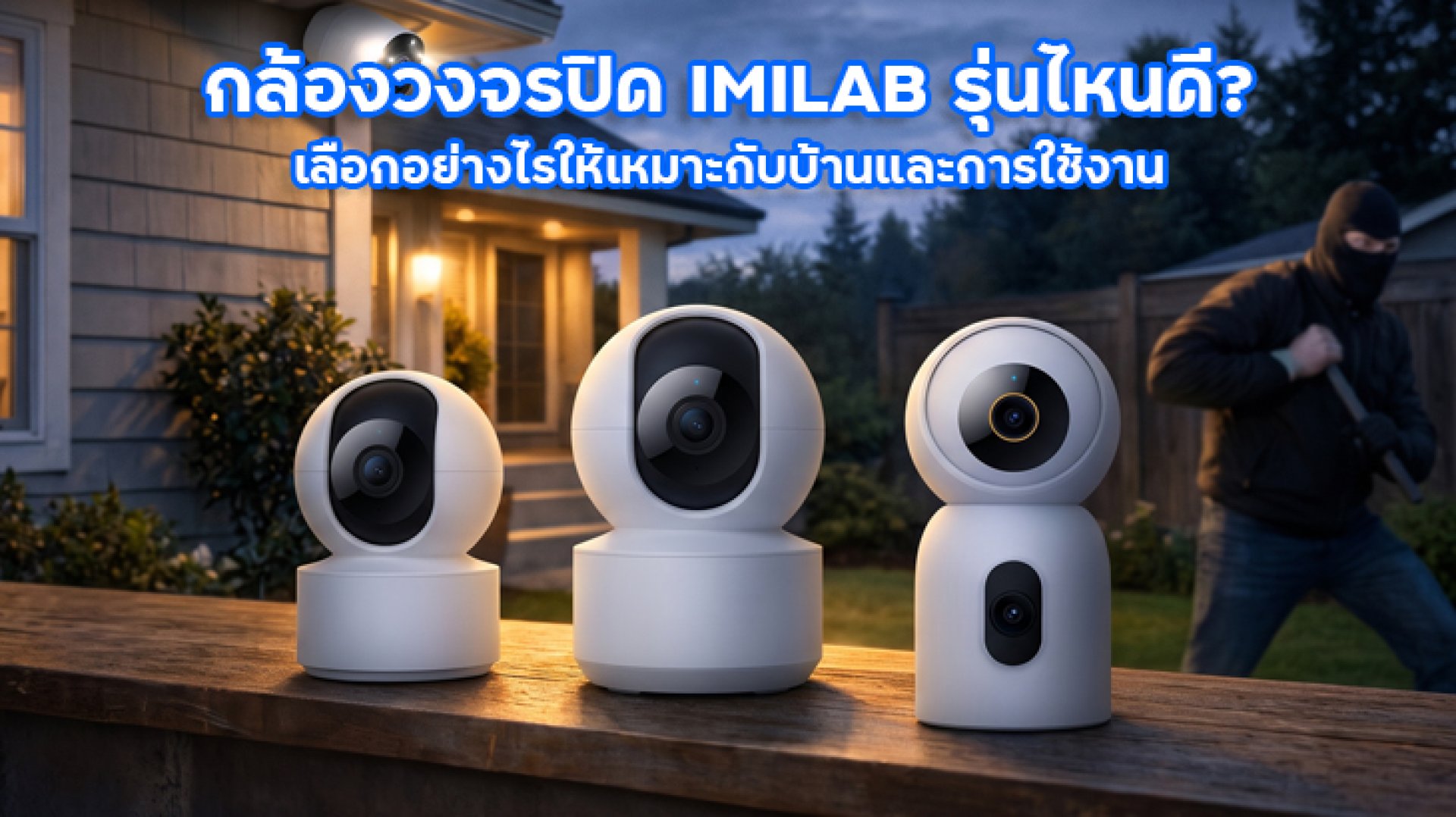
Looking for the best IMILAB security camera for your home? There are several types of security cameras to consider, from indoor cameras that rotate to view different directions to high-resolution models and outdoor cameras designed to monitor entrances, driveways, and areas around a building. However, the best choice is not necessarily the model with the highest specifications. A camera that works well in a condo may not be the best option for a detached house or garage.
Before buying, consider the area you want to monitor, the distance between the camera and the subject, the required resolution, detection features, Wi-Fi connectivity, and recording options. These factors are especially important if you want to view live footage on your phone or review recordings later.
This guide explains the main camera categories and compares selected products from the IMILAB range listed on the IMILAB Thailand website. It is important to note that IMILAB is a separate brand from Xiaomi, although certain models support Xiaomi Home or Mi Home. Always verify the brand name and compatible app for the specific model before purchasing.
Which IMILAB Security Camera Is Best? Start with Your Home and Usage Needs
If you are unsure which camera to choose, start by identifying the area you need to monitor. The layout and environment often matter more than choosing a camera based on specifications alone.
| Use Case | Camera Type to Consider | Key Features to Check |
|---|---|---|
| Condo or living room | Indoor security camera | Smartphone viewing, adjustable angles, easy installation |
| Room requiring detailed footage | Indoor camera with 2.5K4K resolution | Image detail, storage, and lighting conditions |
| Home with pets | Indoor camera with suitable pet detection features | Night vision, alerts, and two-way audio |
| Front entrance or garage | Outdoor security camera | Weather protection, viewing angle, and network stability |
| Areas requiring multiple viewing directions | Rotating or multi-lens camera | Coverage, blind spots, and tracking features |
This table is a starting point rather than a guarantee that one camera will suit every situation. If the camera will be installed outdoors, make sure it is designed for outdoor use. An indoor camera should not be exposed directly to rain unless the manufacturer specifically states that it is suitable for that environment.
Recommended IMILAB Cameras to Compare
If you are searching for a IMILAB security camera and want a model that works with IMILAB Home, you can begin by comparing the following IMILAB products listed on the IMILAB Thailand website. Check the product page for the exact model to confirm app compatibility and specifications before buying.
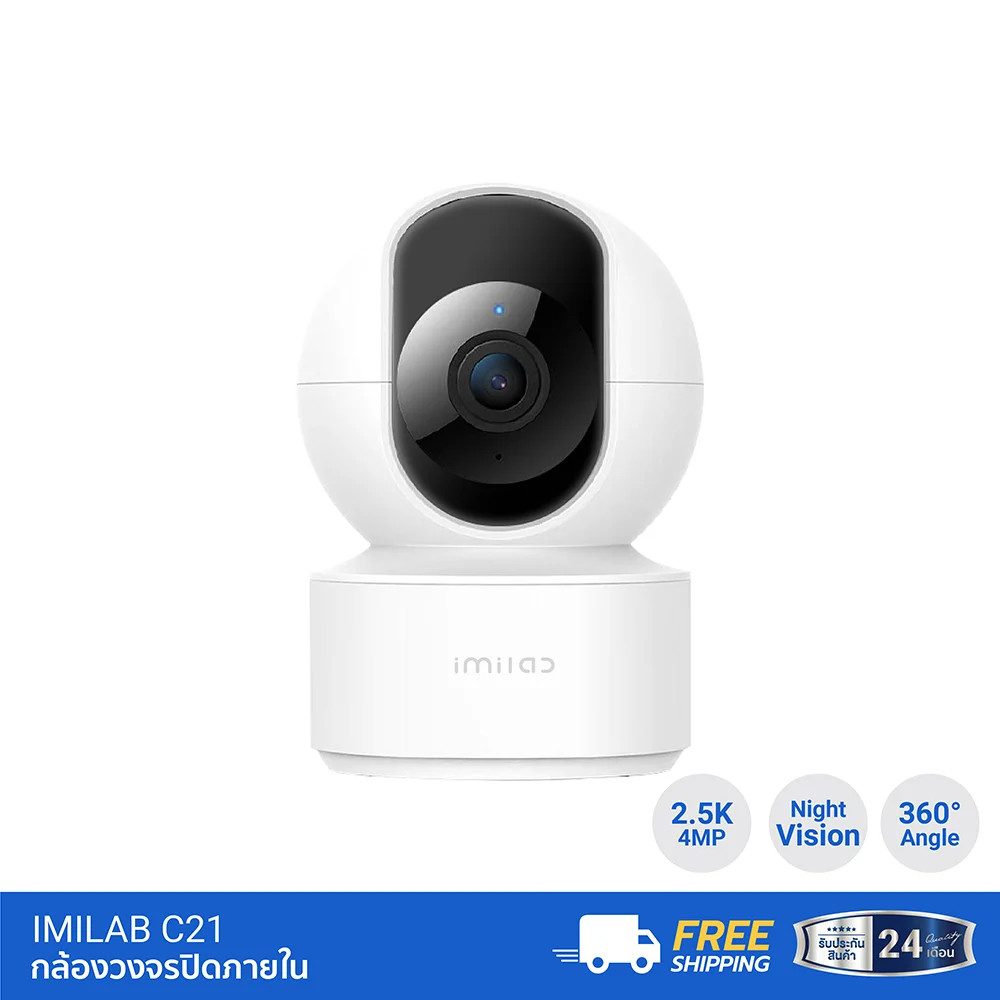
1. IMILAB C21 An Indoor Security Camera with 2.5K Resolution
The IMILAB C21 is an option for users who want an indoor camera with adjustable viewing angles and features beyond basic live viewing. It is worth considering for living rooms, home offices, or indoor areas where you want to monitor movement.
- Resolution: 4MP, or 2560 × 1440 pixels, commonly described as 2.5K
- Lens field of view: 105 degrees
- Rotation: 360-degree horizontal rotation and 110-degree vertical tilt
- Detection: Motion detection and human detection/tracking, according to the product specifications
- Recording: Supports MicroSD cards up to 256GB according to the product specifications, with cloud storage options subject to service terms
- Connectivity: 2.4GHz Wi-Fi and the Xiaomi Home app
One advantage of the C21 is that you can rotate the camera to check different areas from one installation point. It also features two-way audio through its built-in microphone and speaker. However, 360-degree rotation does not mean that the camera sees every direction simultaneously. If you need continuous coverage of several areas, consider the installation position and potential blind spots.
Best for: Users who want an indoor camera with smartphone viewing, adjustable angles, and higher resolution than standard Full HD.
View the product: IMILAB C21 Indoor Security Camera
2. IMILAB C22 An Option for 3K Resolution
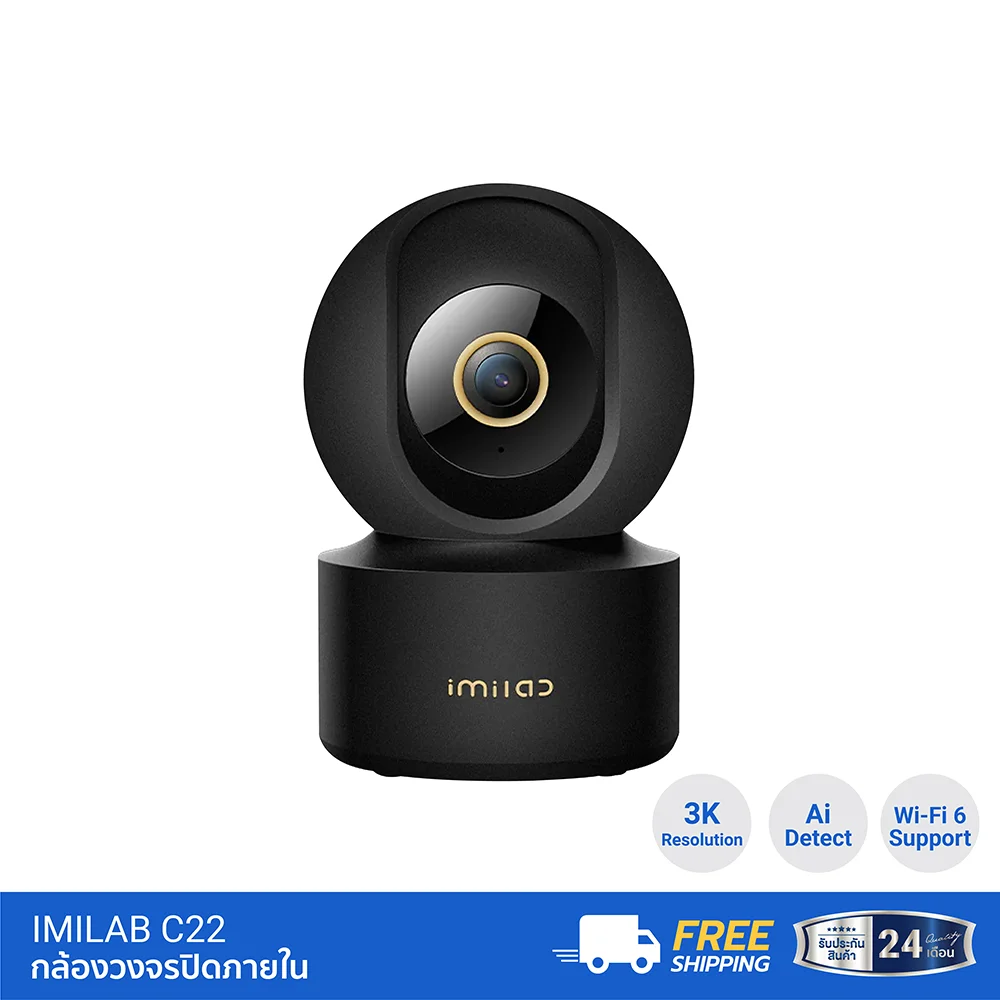
If you want to compare indoor cameras with higher image detail, the IMILAB C22 is another model worth considering. Its published product information lists 3K resolution and Wi-Fi 6 support on the 2.4GHz band.
Before choosing the C22 over a lower-resolution camera, consider how you plan to use it. Do you need to enlarge footage to examine details? How far away are the areas you want to monitor? Will your storage capacity be sufficient for your preferred recording settings?
Higher resolution can provide more image detail, but it does not guarantee clear footage in every lighting condition or ensure that distant objects will always be identifiable.
Best for: Users who want to compare a 3K indoor camera with other available models and features.
View indoor camera options: IMILAB Indoor Security Cameras
3. IMILAB C40 For Users Who Want 4K Resolution
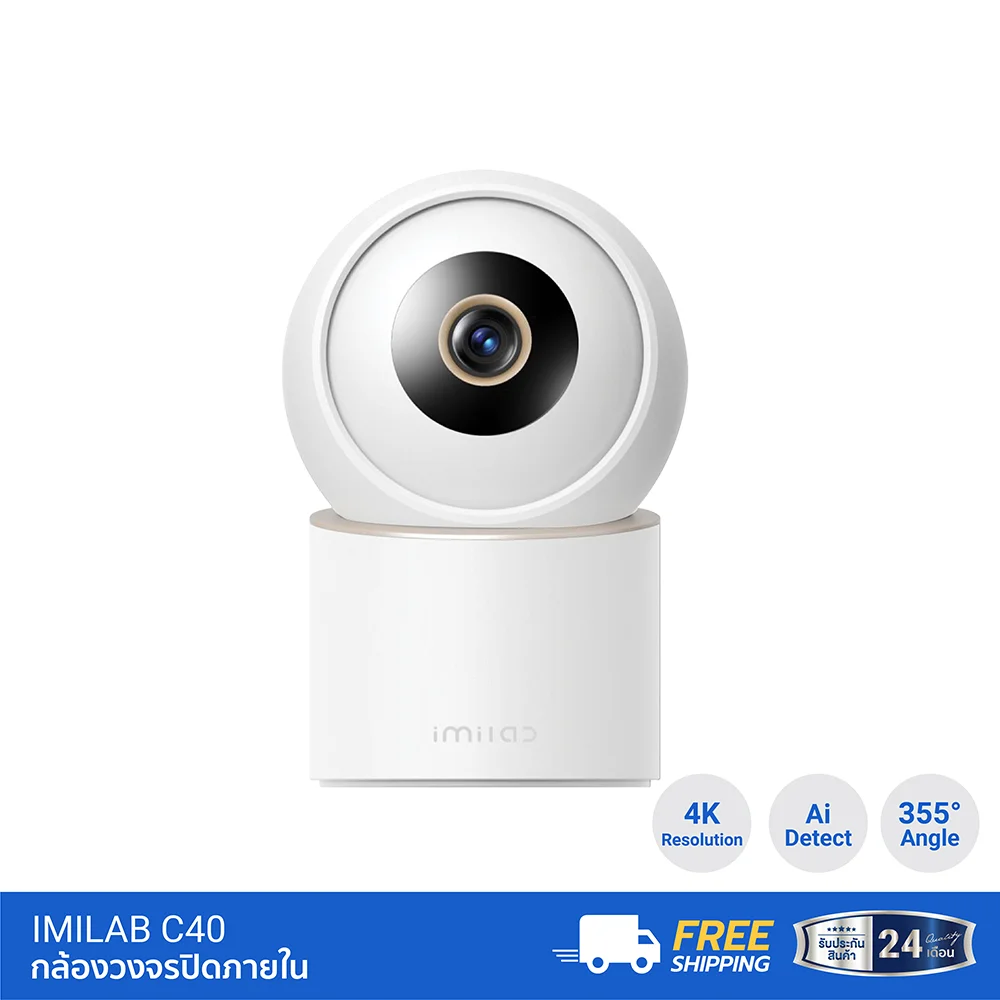
The IMILAB C40 is another indoor option for users who want 4K resolution and greater image detail. Its published specifications list up to 355 degrees of horizontal rotation, 60 degrees of vertical tilt, and up to 6× zoom.
Keep in mind that higher resolution may require more storage, depending on your recording settings. Digital zoom also does not necessarily reveal as much genuine detail as optical zoom. Consider whether the camera's capabilities match the distance and type of subjects you need to monitor.
Best for: Users comparing high-resolution indoor cameras who have a practical need for more image detail than a 2.5K or 3K model may provide.
View the product: IMILAB C40 Indoor Security Camera
4. IMILAB C30 Dual For Users Considering a Dual-Lens System
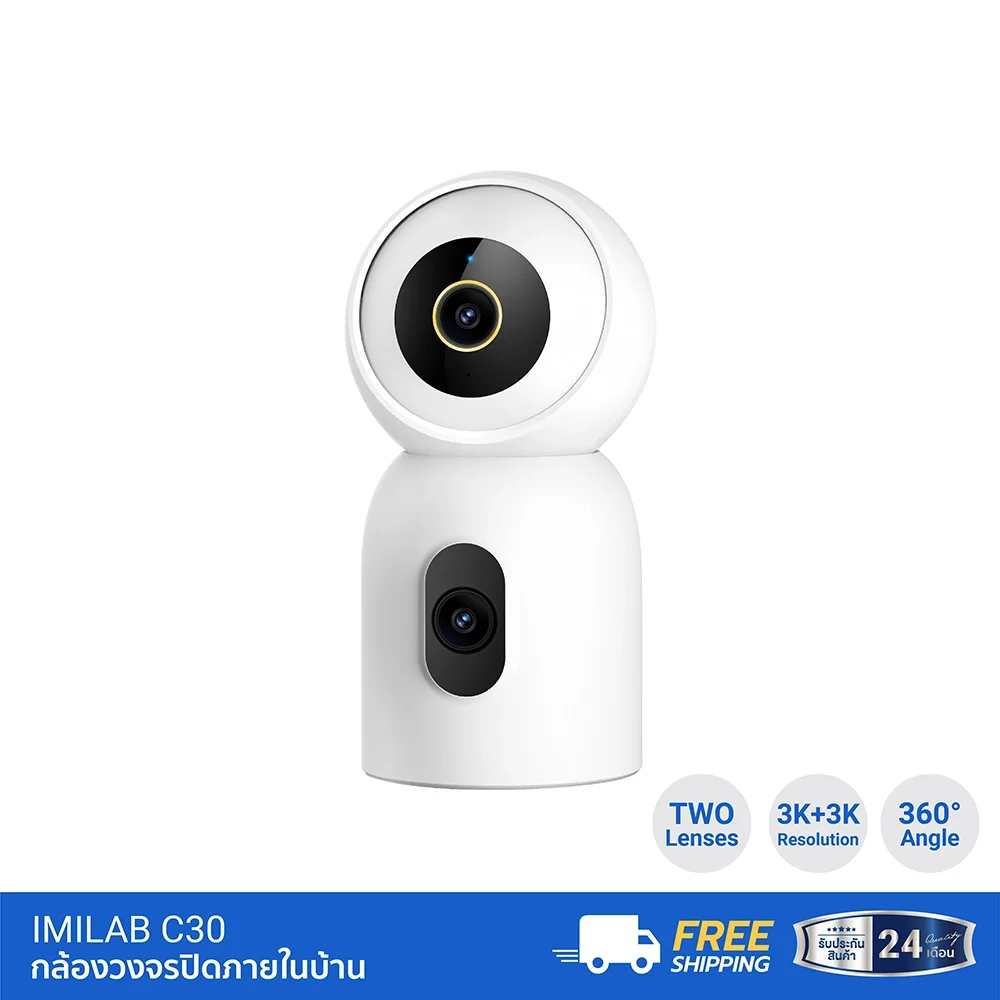
If your priority is monitoring multiple areas rather than simply increasing resolution, consider comparing a dual-lens camera such as the IMILAB C30 Dual. Check how its lenses display images and whether the coverage matches the areas you want to monitor.
A multi-lens camera may provide a different approach to area coverage compared with a single-lens camera that rotates to change direction. However, not every dual-lens camera shows every direction simultaneously or offers the same tracking capabilities. Review the specific model's operating details before making a decision.
Best for: Users who want to compare different ways of covering multiple areas instead of choosing based only on resolution or rotation range.
Check product availability: IMILAB Indoor Security Camera Category
5. IMILAB Outdoor Cameras Choose According to Outdoor Conditions
If you need a camera for your front entrance, garage, or the area around your property, do not choose based only on the Xiaomi name or resolution. Confirm that the model is designed for outdoor installation, especially if you need protection against dust and water. For models advertised with an IP66 rating, check the exact product specifications and installation requirements.
Also consider the viewing area, Wi-Fi stability, distance from the router, and power supply requirements. If you need to monitor several areas, check whether the camera has multiple lenses or detection features suitable for your intended use.
To compare outdoor options, start with the IMILAB Thailand website. Read the specifications for each model and verify current availability before buying. Do not assume that features listed for one outdoor camera apply to every other model.
5 Factors to Compare Before Buying a Xiaomi Security Camera
1. Image Resolution: 2.5K, 3K, or 4K
Higher resolution can provide more image detail, but your choice should depend on the space and viewing distance. For a small room used for general monitoring, a 2.5K camera may be sufficient. If you need to enlarge footage to examine finer details, a higher-resolution model may be worth considering.
Remember that image clarity also depends on lighting, lens quality, and installation position. Resolution should not be the only factor in your decision.
2. Field of View and Rotation
A rotating camera allows you to change the viewing direction through an app, but rotation range and the lens's Field of View are different specifications. If you want to monitor a wide area from one location, test whether the camera can actually reach the important viewing points.
Read more: How Much Zoom Do You Need in a Security Camera? 3×, 5×, and 10× Compared
3. Detection and Alerts
If you want an alert when someone enters your home, check whether the camera supports Human Detection and whether it can automatically track people. General motion detection and human detection are different capabilities.
If you are installing a camera to monitor pets, verify whether pet detection is supported. Testing alerts in your actual environment can also help you identify unnecessary notifications.
4. Wi-Fi and App Compatibility
Before buying, check whether the camera uses Xiaomi Home, Mi Home, or another app, as well as the supported Wi-Fi frequency bands. Different models may have different setup procedures and features.
Wi-Fi 6 support does not automatically mean that every camera can connect through the 5GHz band. Check the supported frequency bands in the specifications of the exact model. Positioning the camera where it receives a strong signal can also help improve live viewing and notification reliability.
5. Recording and Playback
Check whether the camera supports MicroSD cards or cloud storage, including maximum capacity, recording modes, and subscription conditions. If you need to review footage from several days earlier, choose a storage method that suits your recording volume and retention requirements.
Do not assume that every camera includes free cloud storage or supports continuous recording. These conditions may vary by model, app, and service plan.
What Is the Difference Between Xiaomi and IMILAB Security Cameras?
The search term Xiaomi security camera may lead you to products sold under the Xiaomi brand as well as cameras from other brands that support Xiaomi Home or Mi Home. These are not necessarily the same thing.
IMILAB is a separate brand with several camera models that support Xiaomi Home or Mi Home, depending on the model. If you want a camera that works with an app you already use, verify the product name, supported app, and compatibility before buying. App compatibility alone does not mean the camera is directly branded as a Xiaomi product.
You should also check the warranty, included accessories, and after-sales support. These details may vary by product and retailer.
Pre-Purchase Checklist
- Decide whether you need an indoor or outdoor camera.
- Choose a resolution that matches the area and viewing distance.
- Check the actual field of view and rotation range.
- Confirm detection and Auto Tracking features if needed.
- Verify supported apps and Wi-Fi frequency bands.
- Choose a suitable recording method and storage capacity.
- Check the price, stock availability, included power adapter, and warranty.
- Read the specifications on the exact product page before ordering.
Frequently Asked Questions About Xiaomi Security Cameras
Which Xiaomi security camera is best for a condo?
Start with an indoor camera that is easy to install, supports smartphone viewing, and has a suitable field of view for the room. The IMILAB C21 is one option to consider because it offers 2.5K resolution and camera rotation. However, verify the brand and supported app, as IMILAB is separate from Xiaomi.
Does a Xiaomi security camera require Wi-Fi?
It depends on the model and its connectivity system. Indoor cameras that provide app-based remote viewing commonly use Wi-Fi to connect to the network and provide access to footage. Check the supported frequency bands and operating requirements for the specific model before buying.
Is there a big difference between 2.5K and 4K security cameras?
A 4K camera captures more pixels than a 2.5K camera, but the difference you notice depends on the display, subject distance, lighting, and lens quality. If you do not need to enlarge footage for detailed inspection, a 2.5K camera may be sufficient for general monitoring.
Is a 360-degree rotating security camera suitable for every home?
Not necessarily. Rotating cameras are useful in spaces where you need to change viewing directions. However, if you only need to monitor one entrance or hallway continuously, a fixed-view camera may be a better choice. Select the camera based on the actual area you need to monitor.
Can every IMILAB camera use Xiaomi Home?
Do not assume that every model supports the same app. Check the product page to confirm whether the specific camera works with Xiaomi Home, Mi Home, or another app. You should also verify compatibility with your phone and network before buying.
Conclusion: Choose the Right Xiaomi Security Camera for Your Home, Not Just the Highest Specifications
If you are still wondering which Xiaomi security camera to choose, start with the area you need to monitor and the features that matter most. For indoor use, the IMILAB C21 is worth considering if you want 2.5K resolution and adjustable viewing angles. If you prefer 3K or 4K resolution, compare the C22 and C40 according to your budget and actual requirements.
For entrances and outdoor areas, choose a camera designed for outdoor use and verify its dust and water protection rating. Consider Wi-Fi connectivity, recording options, and warranty conditions as part of your decision.
Finally, check the latest specifications and availability on the retailer's website before purchasing. The right camera is the one that suits your real monitoring needs without making you pay extra for features you do not need.